

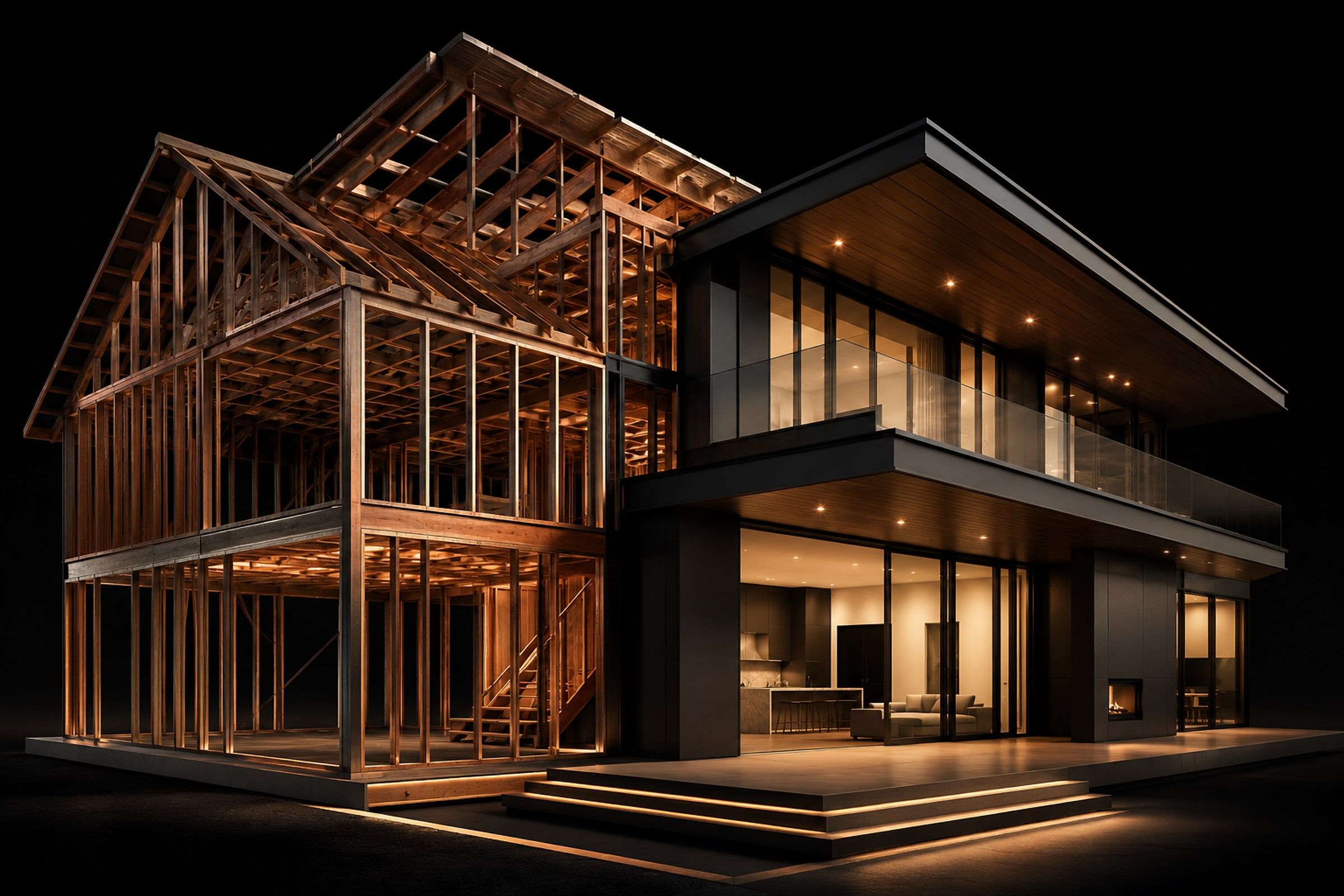
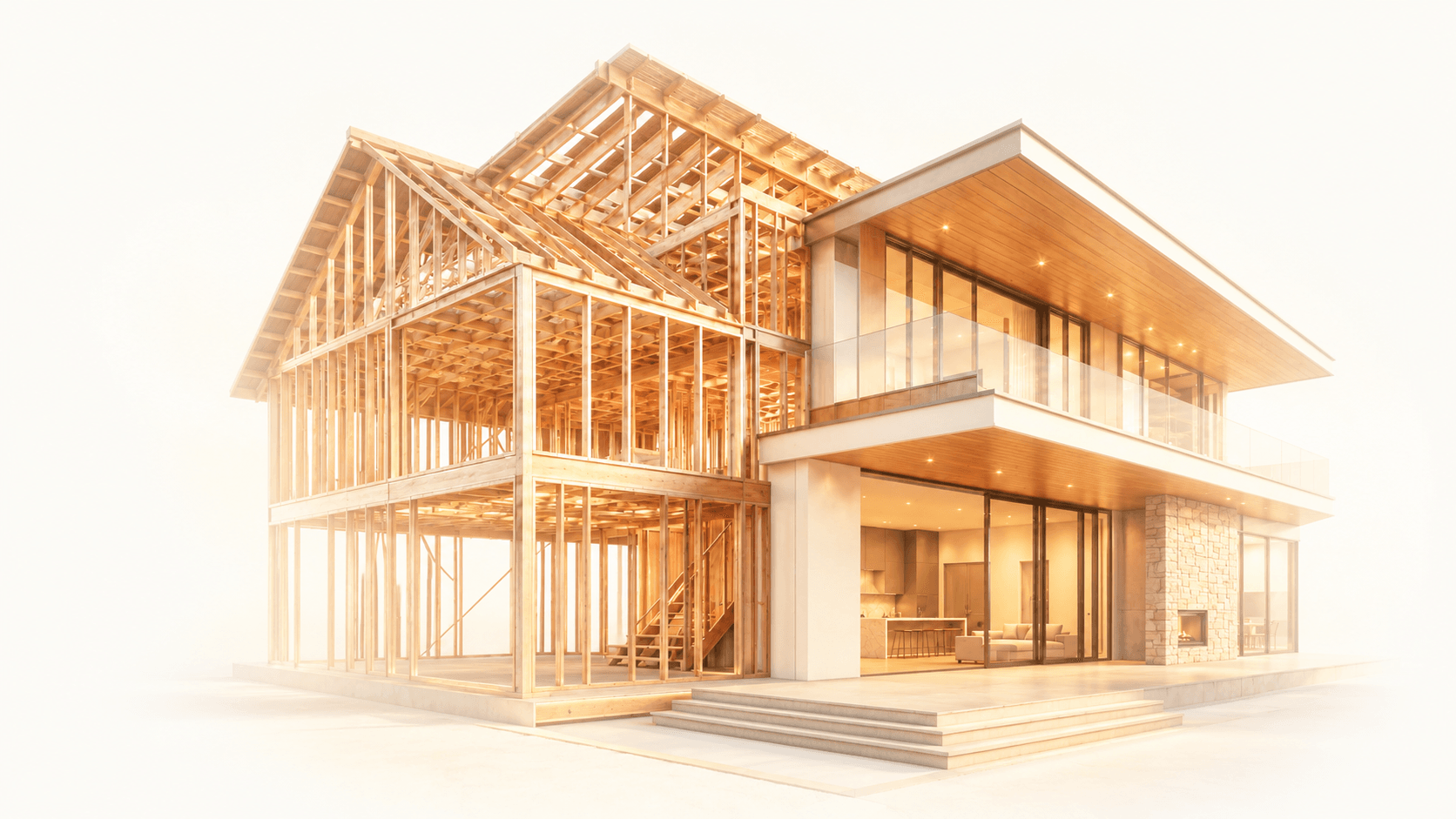
ArchiMaster 3D home design softwareReimagine your space.
Complete 3D home-design software. Plan, furnish, and render your home, from the first floor plan to a photoreal walkthrough.
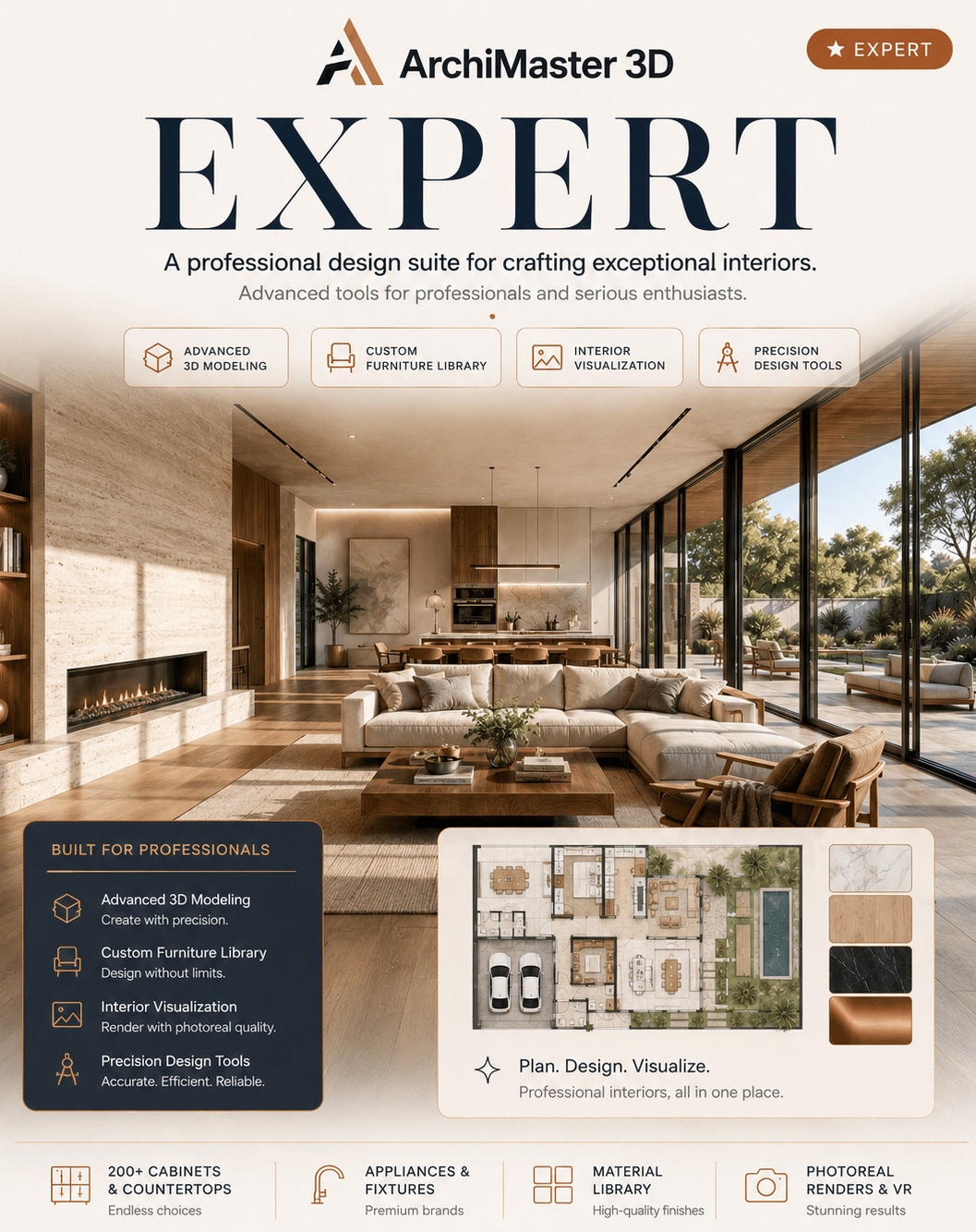
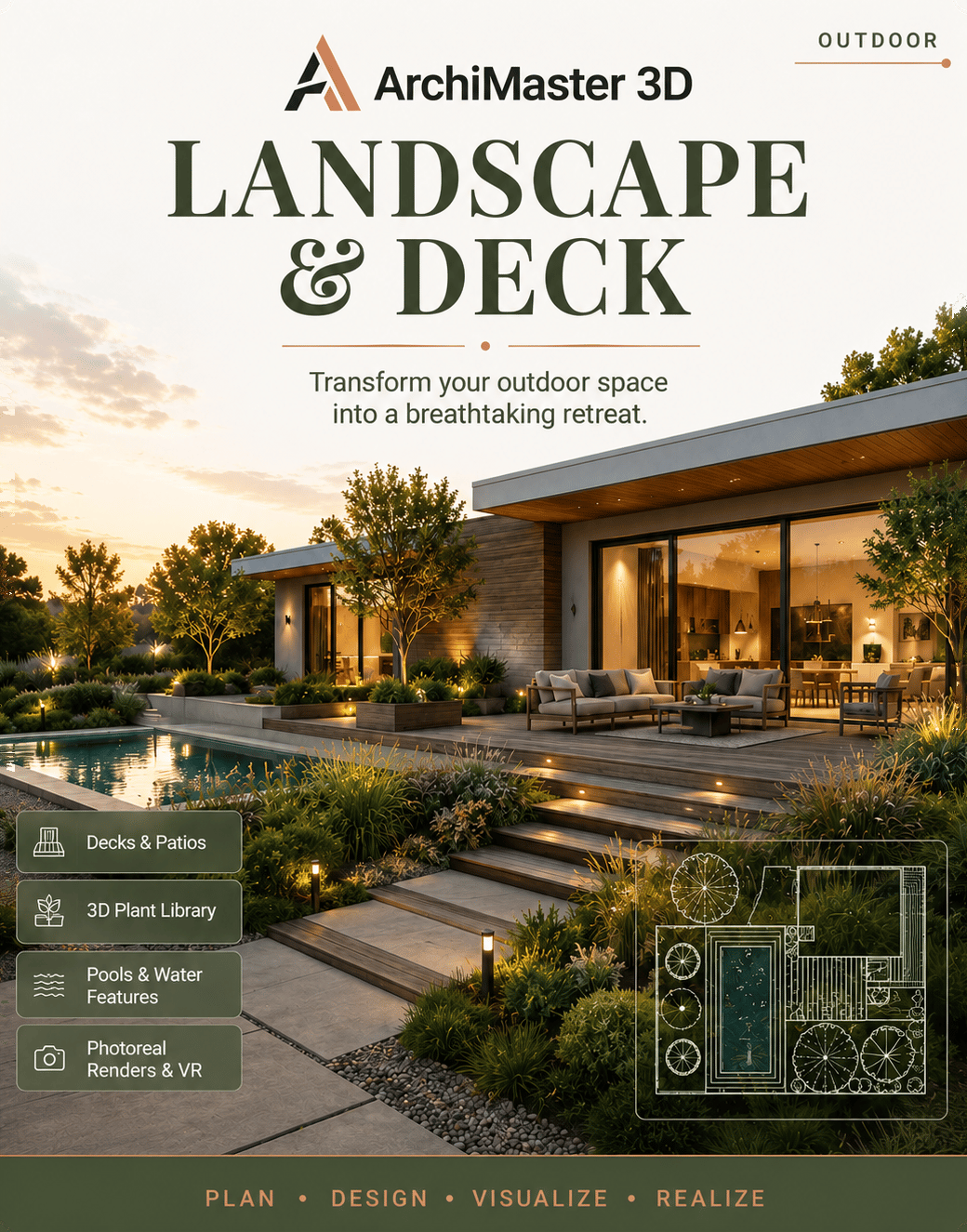
Four specialized tools.
One precision engine.
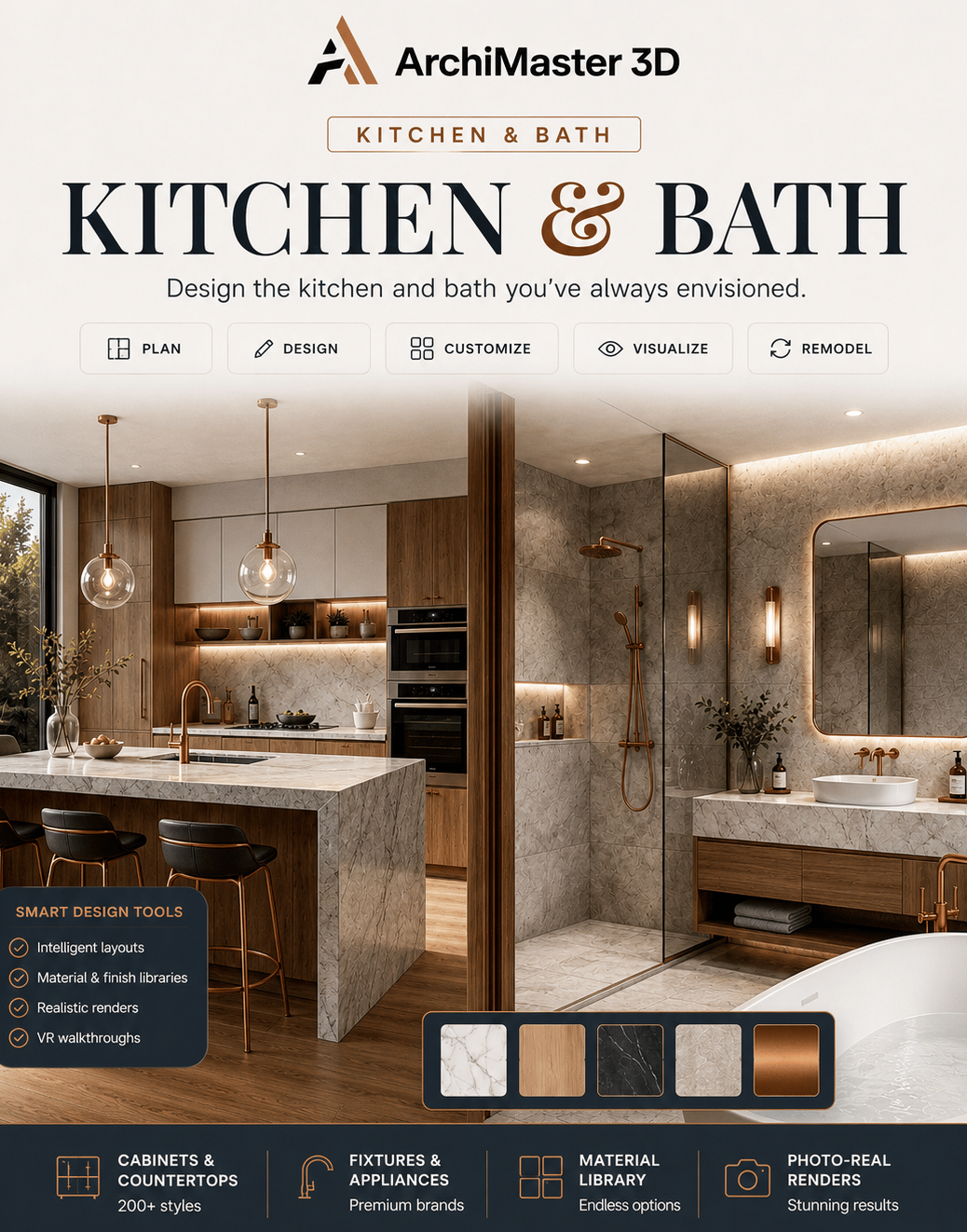
Start where you need to and scale up, every edition shares the same engine, files, and photoreal output.

Pay once and own it forever. There's no subscription.
Your license key arrives the moment payment completes.
Card payments are handled by Stripe. We never see your card.
From idea to finished plan in three moves.
No exports between apps, no relearning the basics. The whole journey happens in one place: draw, render, and refine without ever breaking your flow.
- 01
Draw your plan
Lay out walls, rooms, and true building dimensions with smart 2D tools. Every line stays accurate and to code, and syncs straight to 3D.
- 02
See it render in real time
A GPU-accelerated engine turns your plan into a photoreal 3D view as you design, no exporting, no waiting, no guesswork.
- 03
Refine materials & light
Drop in physically-based materials and natural lighting, then walk through the space until every surface feels exactly right.
See what you can design.
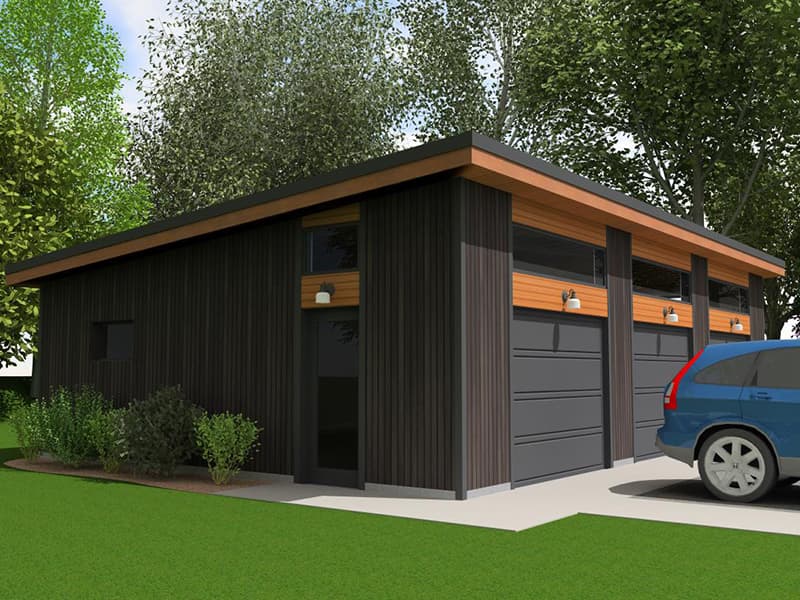
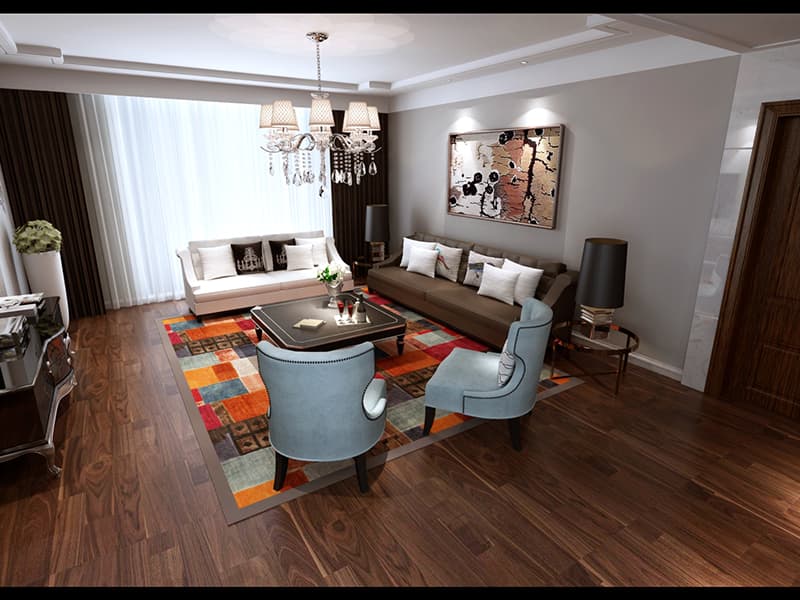
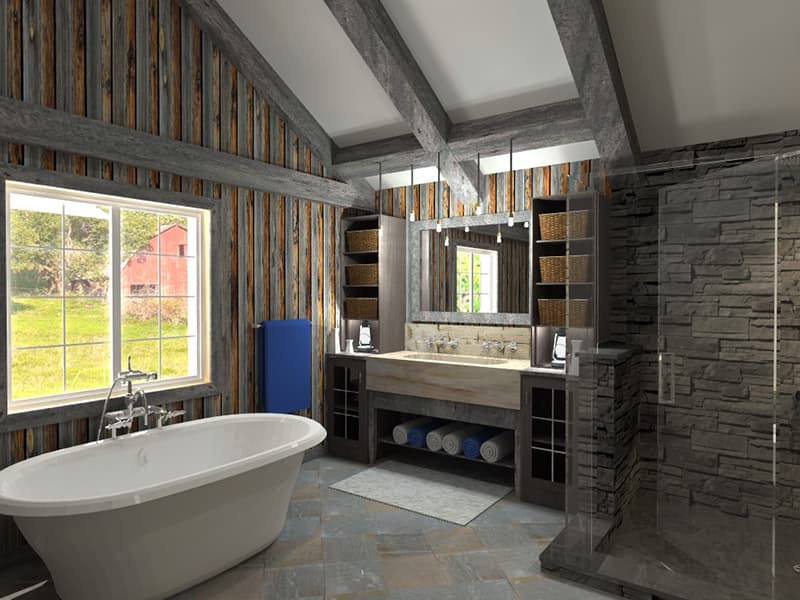
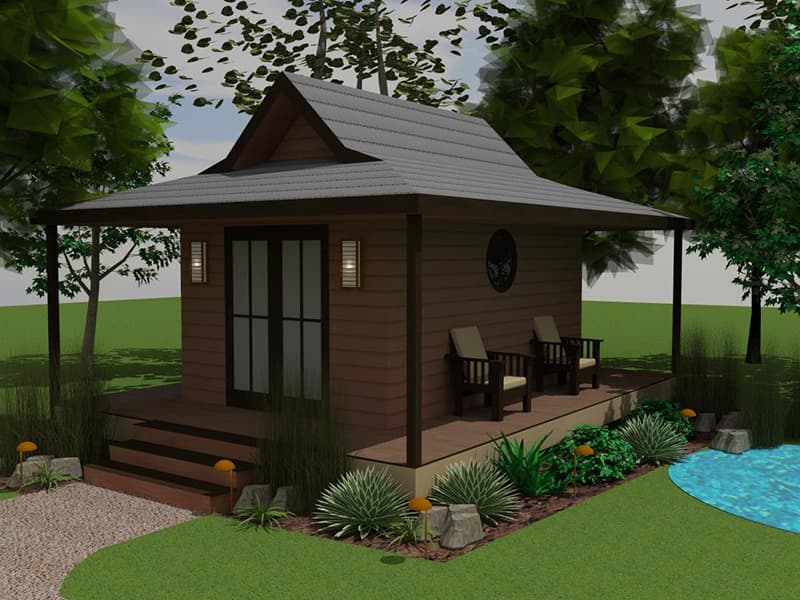
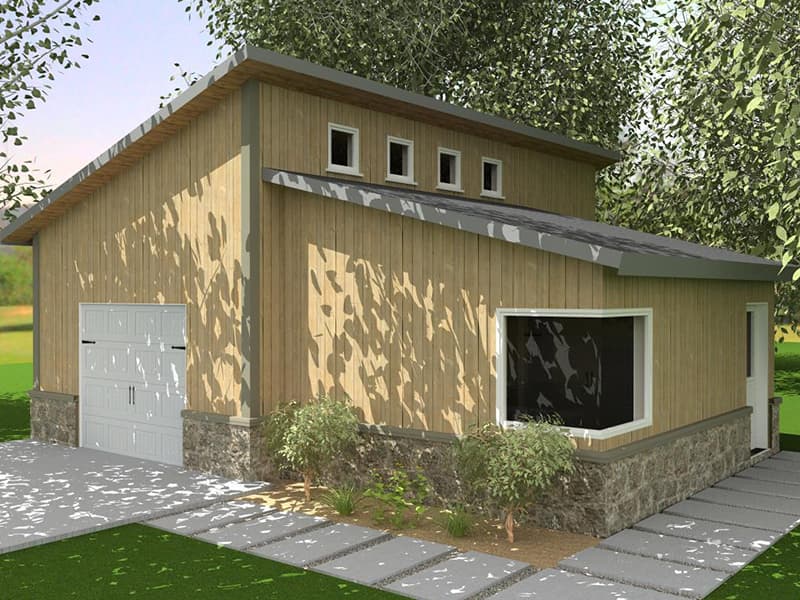
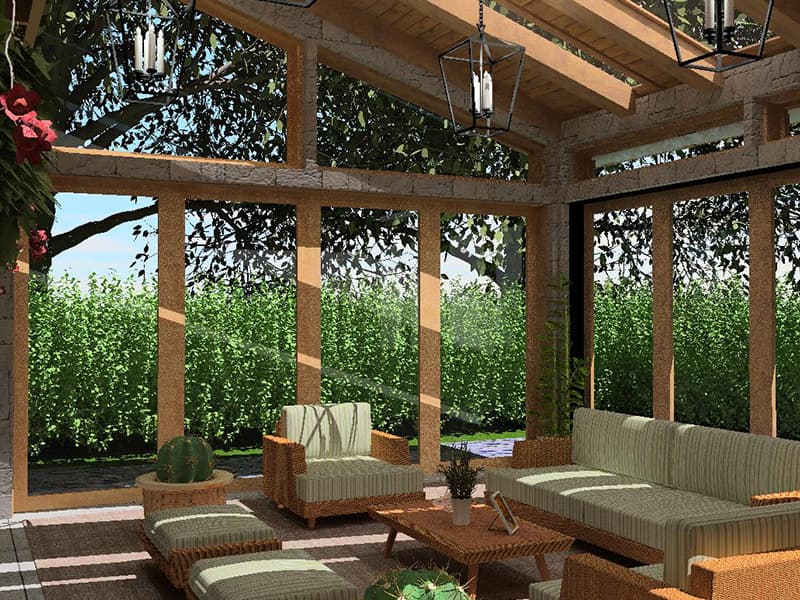
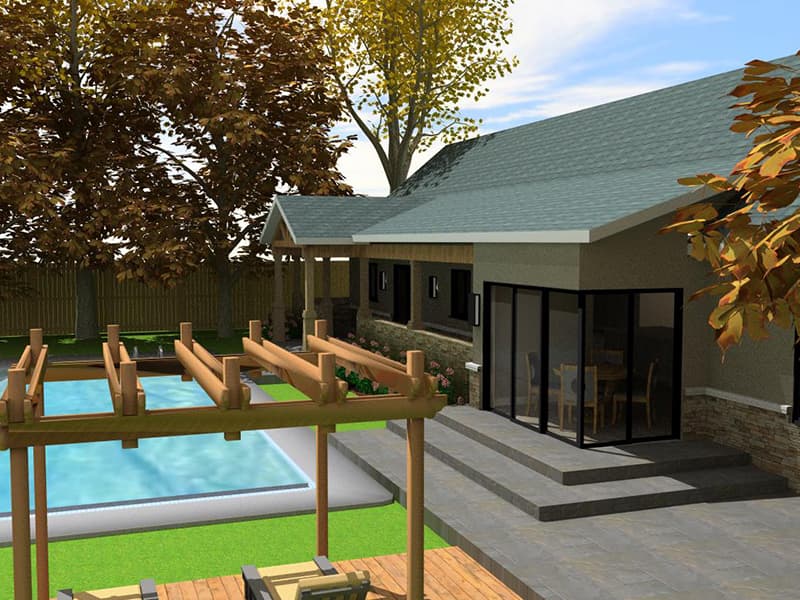
Every image below is a real render produced in ArchiMaster 3D, interiors, exteriors, outdoor living, and remodels, all from the same engine.
Step inside the render.
Not a video, not a slideshow, a real-time 3D walkthrough running in your browser. Drag to look around, move from room to room, and experience a space the way your client will, long before a single wall is built.
Everything you need to design with confidence.
One engine spans the whole property, from the first measured line to the final photoreal frame.
From sketch to photoreal, without leaving the app.
A GPU-accelerated engine turns your plan into a lifelike render as you design. No exports, no waiting, no guesswork, just your idea, lit and material-true, in real time.
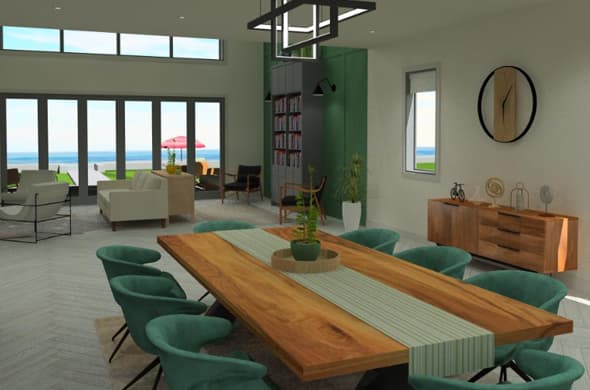 FIG·01
Draw to the millimetre. Build to code.
Smart floor-plan tools, true building dimensions, and automatic 2D-to-3D sync keep every drawing accurate and consistent.
A material library that behaves like the real thing.
Oak, marble, concrete, brushed copper, physically based materials and natural lighting make every surface feel true.
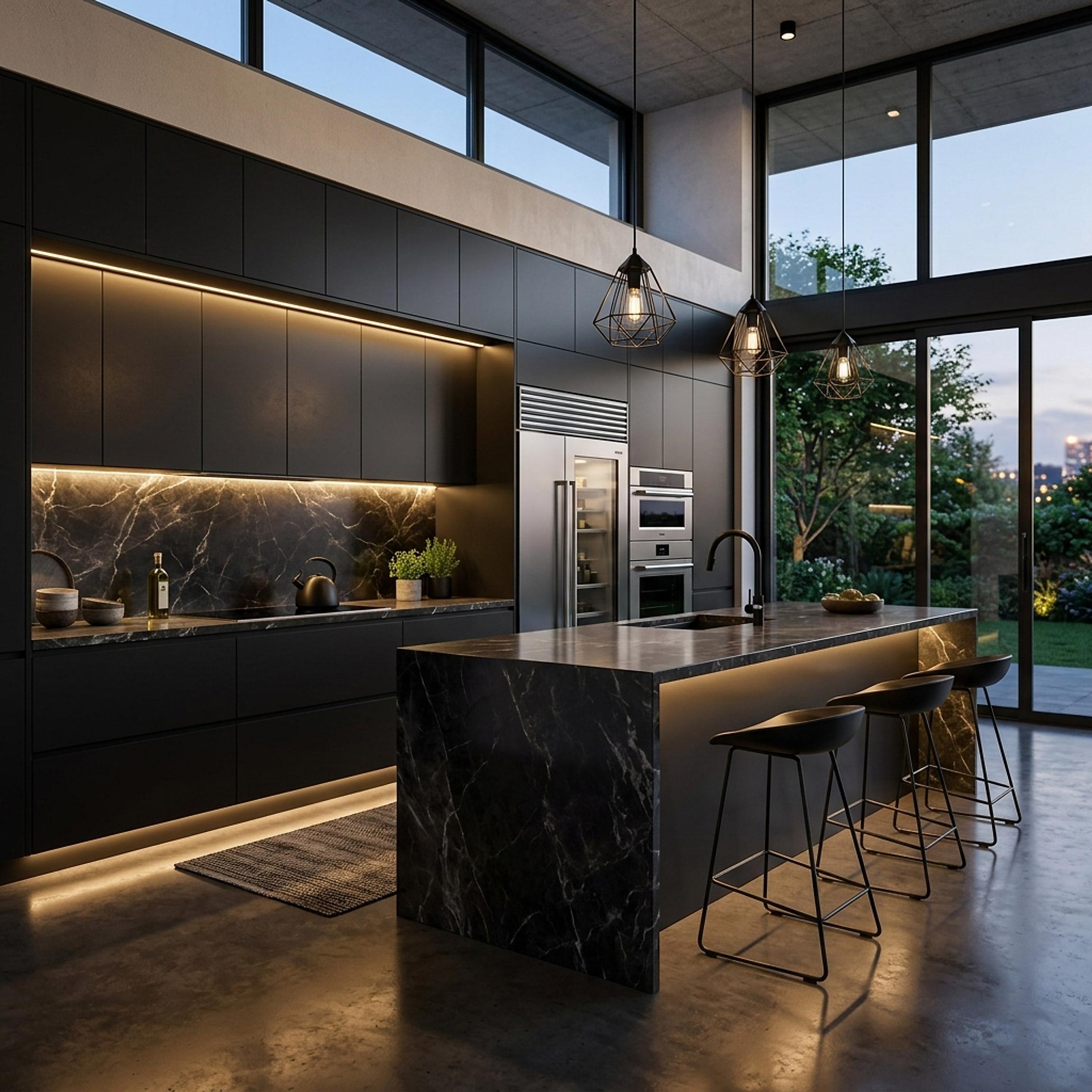 FIG·03
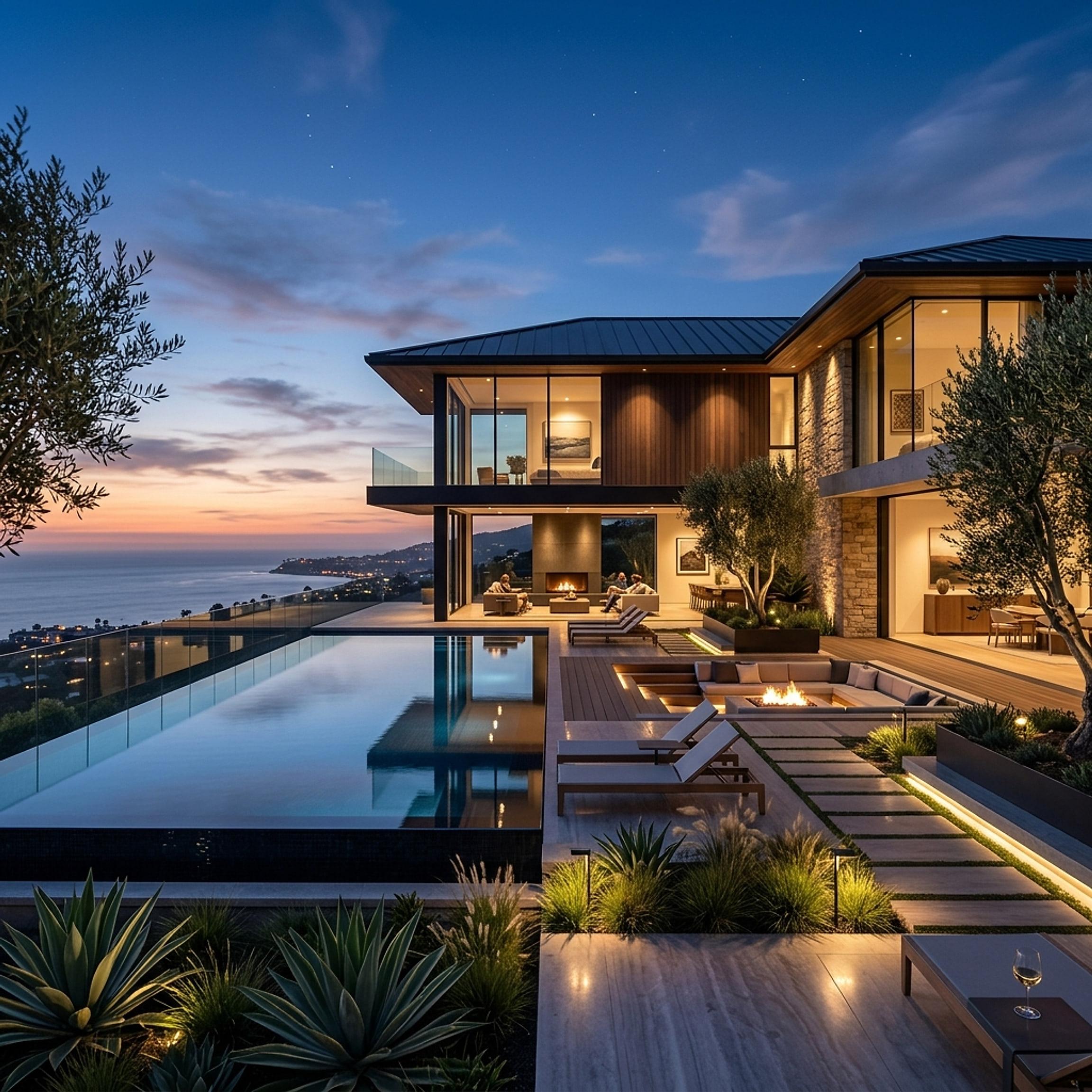 FIG·04
Design the whole property, house, kitchen, garden, deck.
One ecosystem spans interior rooms to landscapes and outdoor living, so nothing about your vision gets left at the door.
Start designing the space you’ve been imagining.
Try ArchiMaster 3D free for 10 days, no credit card required. Keep every design you make.