
ArchiMaster 3D
§ 00, Capabilities

Everything you need to design a space, and the precision to build it.

ArchiMaster 3D pairs the craft of photoreal rendering with the discipline of true architectural documentation. Draw to code, model parametrically, dress every surface in physically-based materials, and carry one project from the foundation to the furthest corner of the garden, without ever leaving the software.

6 capability groups1 engine
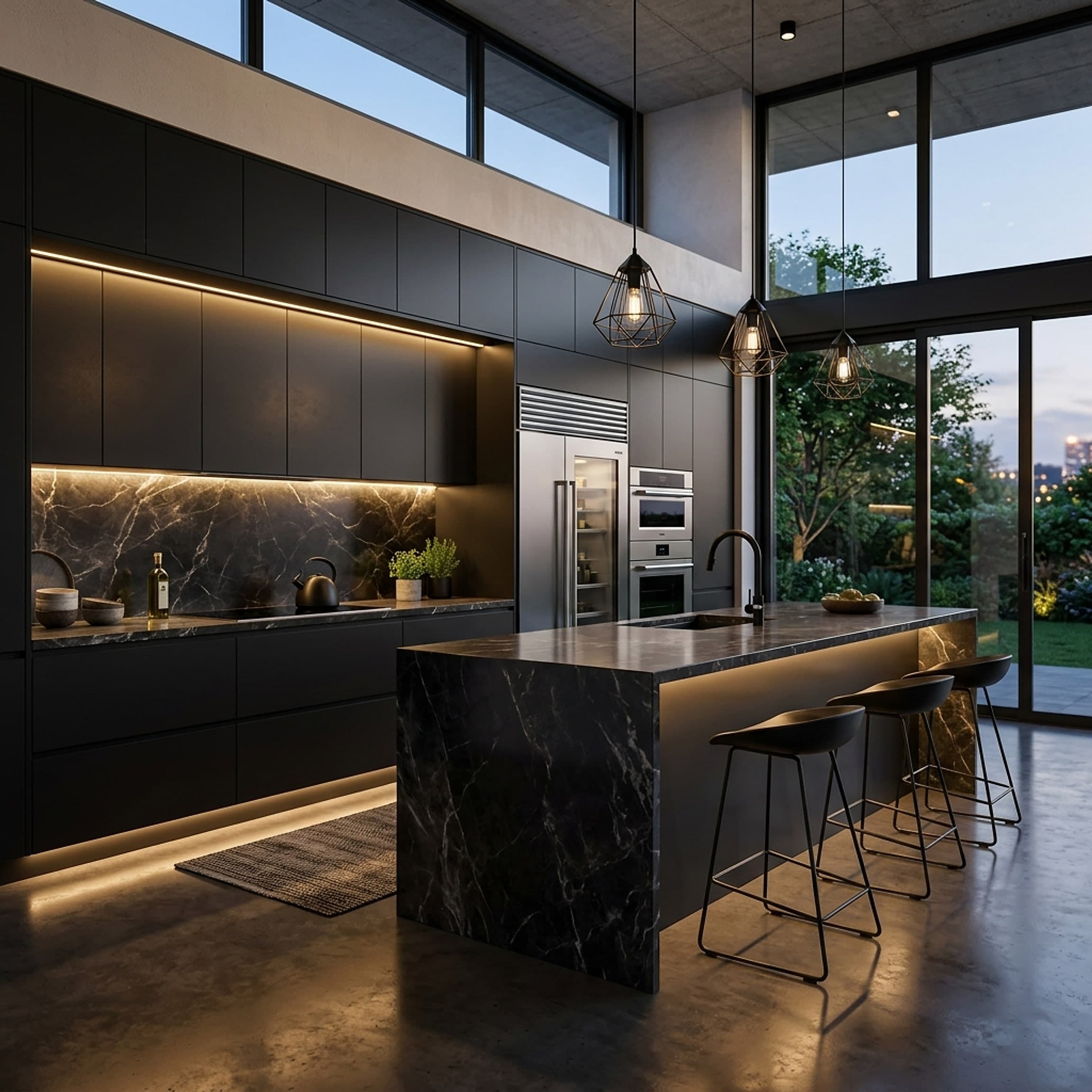
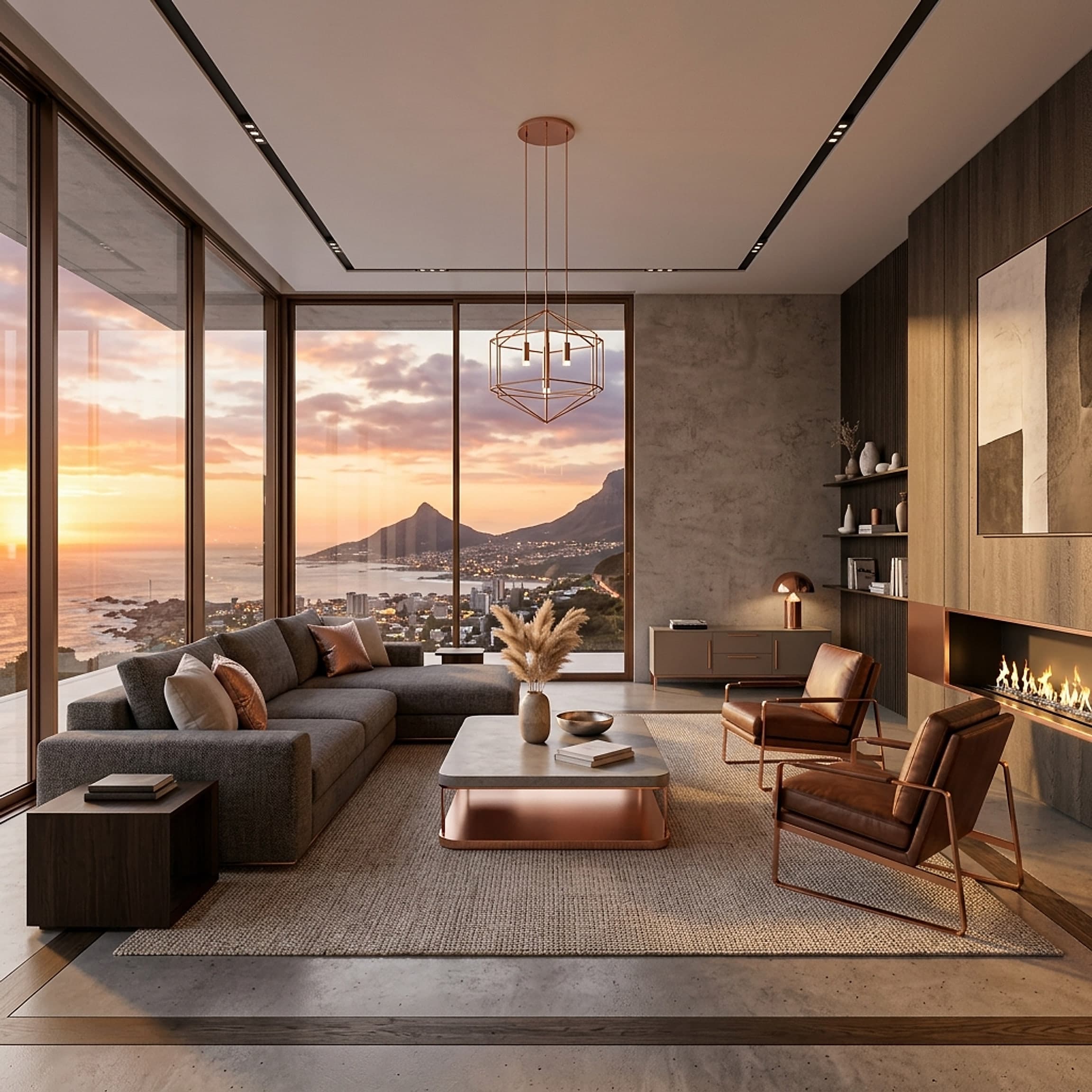
Photorealistic rendering of a sunlit living roomFIG·01
RenderingCAP·01

Photoreal output, rendered in real time.

A physically-accurate engine resolves global illumination, soft shadows and true-to-life reflections as you work, no overnight render queues, no guesswork. Frame a view, adjust the sun, and watch the room settle into something you could mistake for a photograph.

  • 01·AProgressive ray tracing on the GPU
  • 01·BSun studies by date, time and latitude
  • 01·CExport stills up to 8K or walkthrough video
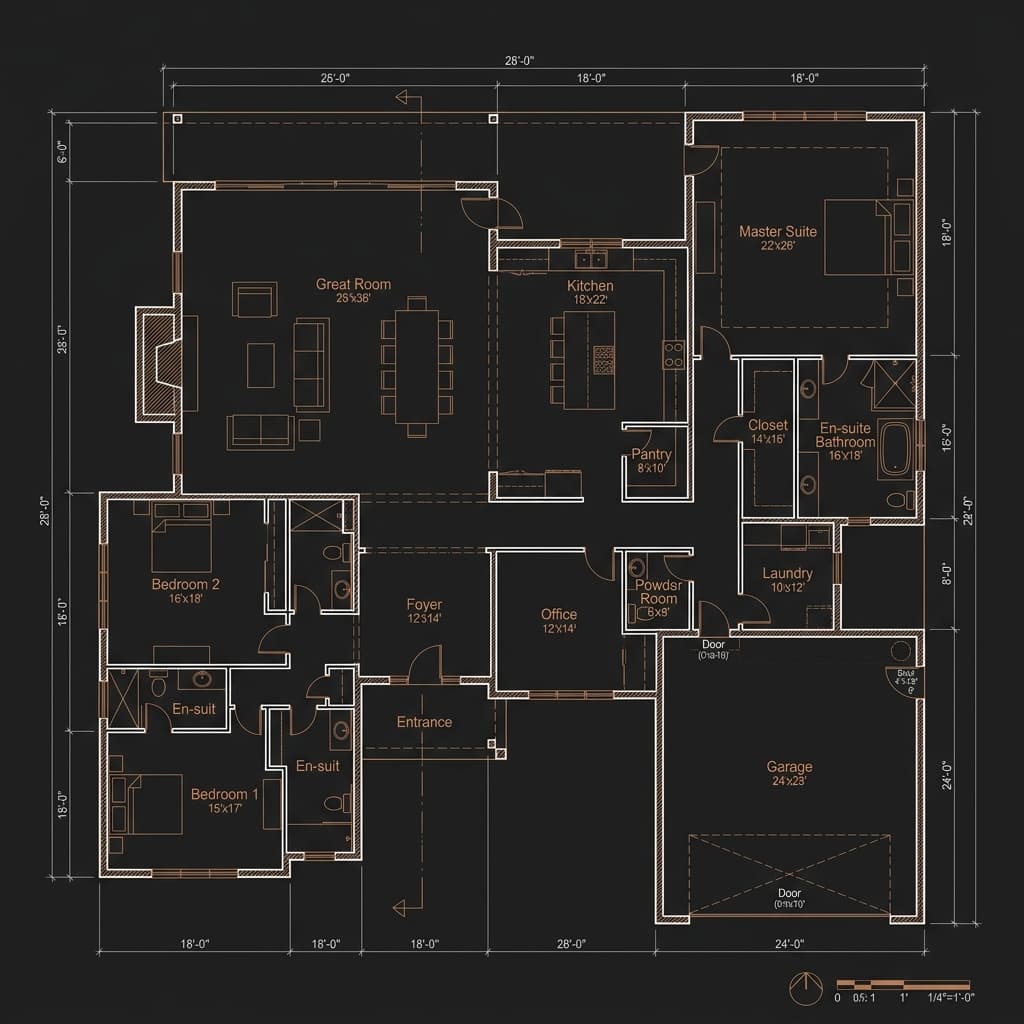
Detailed 2D architectural floor plan with dimensionsFIG·02
DocumentationCAP·02

Floor plans drawn precisely to code.

Every wall, door and dimension is grounded in real measurements and architectural standards. Snap to a grid, set wall assemblies and clearances, and produce clean 2D drawings that read the way a contractor expects, annotations, schedules and all.

  • 02·ADimensioning, annotations and door swings
  • 02·BConfigurable wall, slab and roof assemblies
  • 02·CTitle blocks and sheet sets ready to print
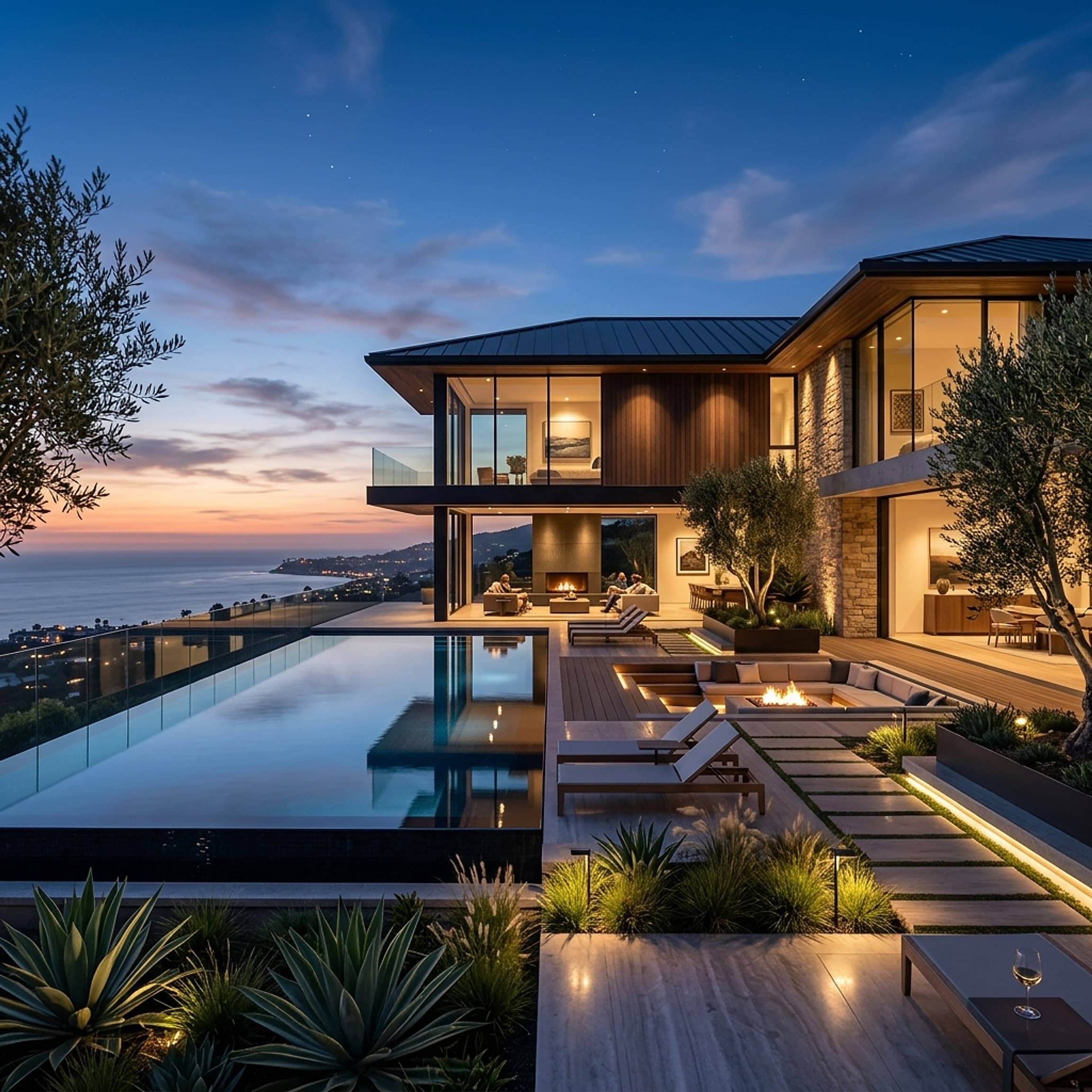
Three-dimensional model of a modern home exteriorFIG·03
ModellingCAP·03

Parametric geometry that updates as you design.

Draw in 2D and the 3D model builds itself, and stays in step. Move a wall and the roofline, the floor area and every linked view follow. Change a ceiling height once and the whole space re-resolves, so your drawings never drift out of agreement with your model.

  • 03·ABidirectional 2D and 3D editing
  • 03·BLive floor areas, volumes and counts
  • 03·CComponents that adapt to their context
Rendered kitchen showcasing realistic materials and lightingFIG·04
Materials & LightCAP·04

A physically-based material and lighting library.

Thousands of measured surfaces, oak, brushed brass, honed marble, woven textiles, each with the roughness, reflectance and texture of the real thing. Pair them with IES-accurate light fixtures and daylight, and surfaces respond exactly as they would on site.

  • 04·AMeasured PBR surfaces with true scale
  • 04·BIES photometric fixtures and daylight
  • 04·CDrag-and-drop swaps with instant feedback
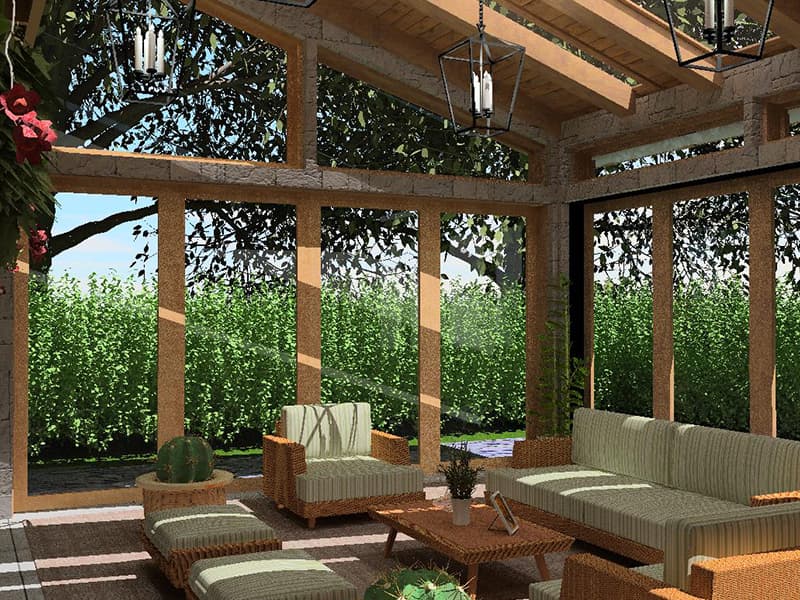
Covered patio opening onto a garden, outdoor living designed in ArchiMaster 3DFIG·05
One EcosystemCAP·05

Interiors, exteriors and landscaping in one file.

The same engine carries you from a kitchen elevation to the deck, the garden beds and the grading beyond. Plant libraries, terrain, fences and hardscape live alongside your architecture, so the design reads as one continuous place, not stitched-together exports.

  • 05·ATerrain, grading and hardscape tools
  • 05·BSeasonal plant and tree libraries
  • 05·CDecks, fences and outdoor structures
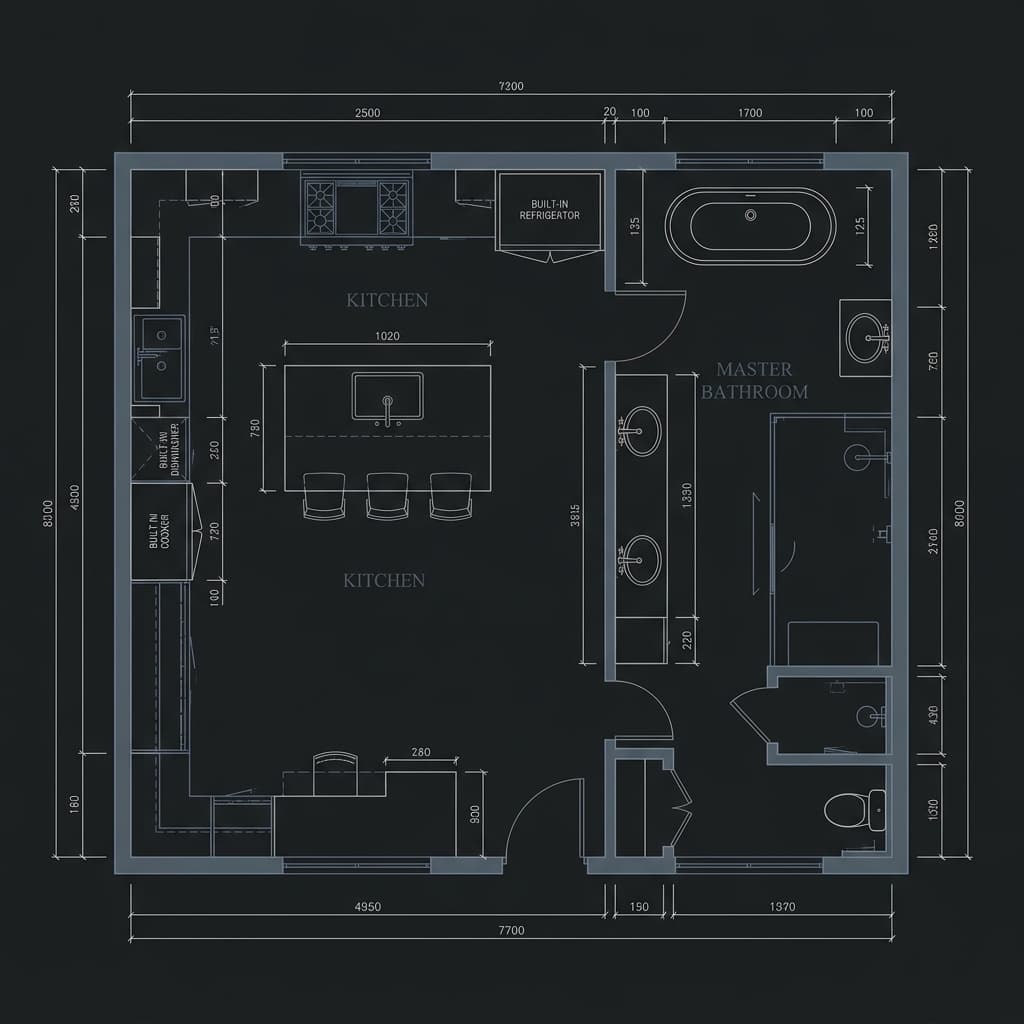
Technical kitchen blueprint prepared for exportFIG·06
InteroperabilityCAP·06

Import, export and move between platforms.

Your work shouldn't be locked in. Bring in surveys and consultant models, then hand off clean, standards-based files the rest of the team can open. Projects sync across macOS and Windows with the geometry, materials and layers intact.

  • 06·AIFC for BIM coordination and handoff
  • 06·BDWG and DXF round-trip with CAD
  • 06·CCross-platform across macOS and Windows

Start designing

Bring your space to life with confidence.

Choose the edition that fits the room you’re designing, try it free, and begin today.

Explore the suite
ARCHIMASTER · 3DCAPABILITIES · 6 GROUPSIFC · DWG · DXF