
Professional
ArchiMaster 3DExpert
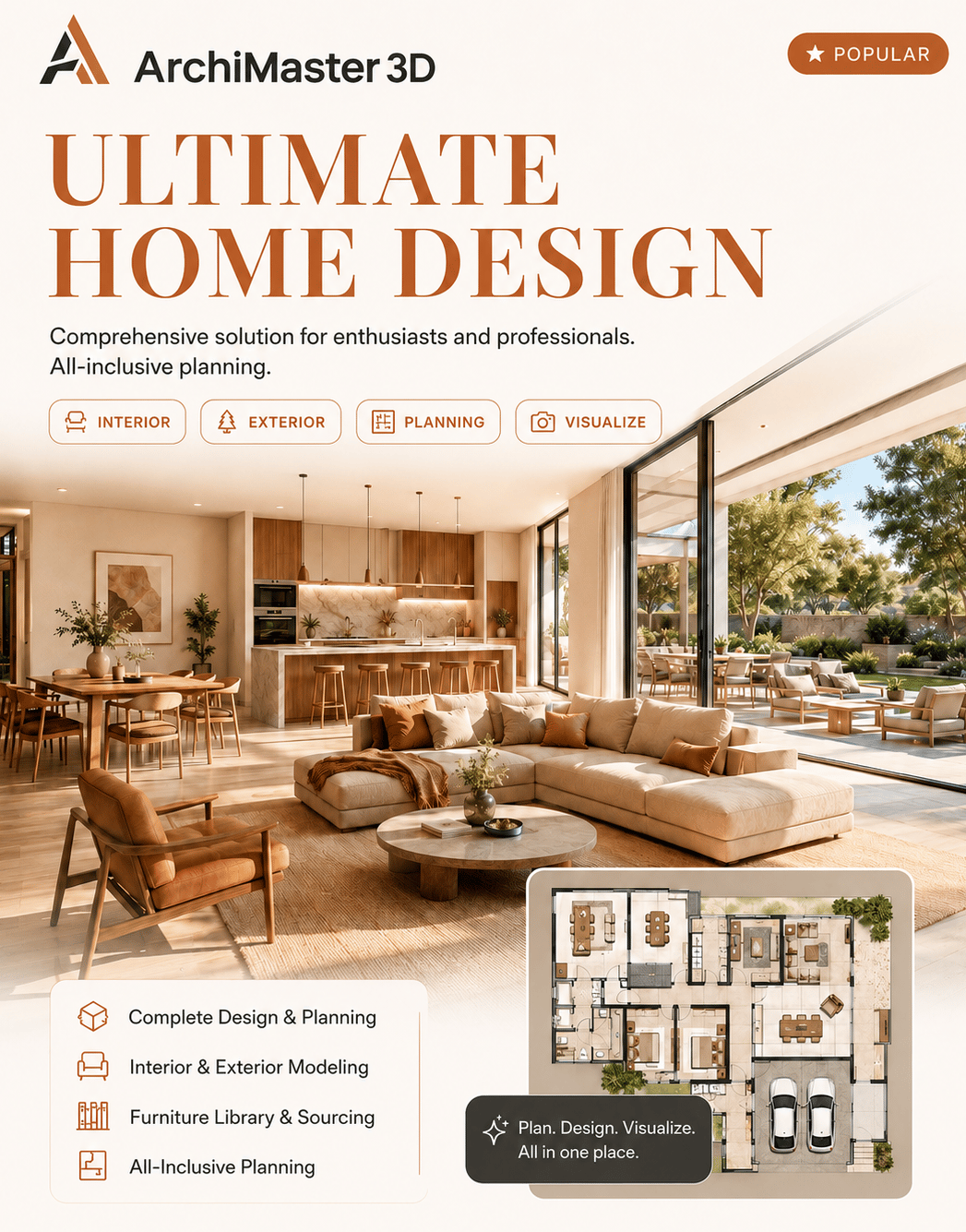
Start 10-day free trialArchiMaster 3D Expert is the ultimate solution for effortless home renovation and design projects. Whether you're revamping a single room or redesigning your entire home, it empowers you to bring your vision to life with stunning 3D precision, backed by a full BIM toolkit.
Permanent license · pay once, own it forever
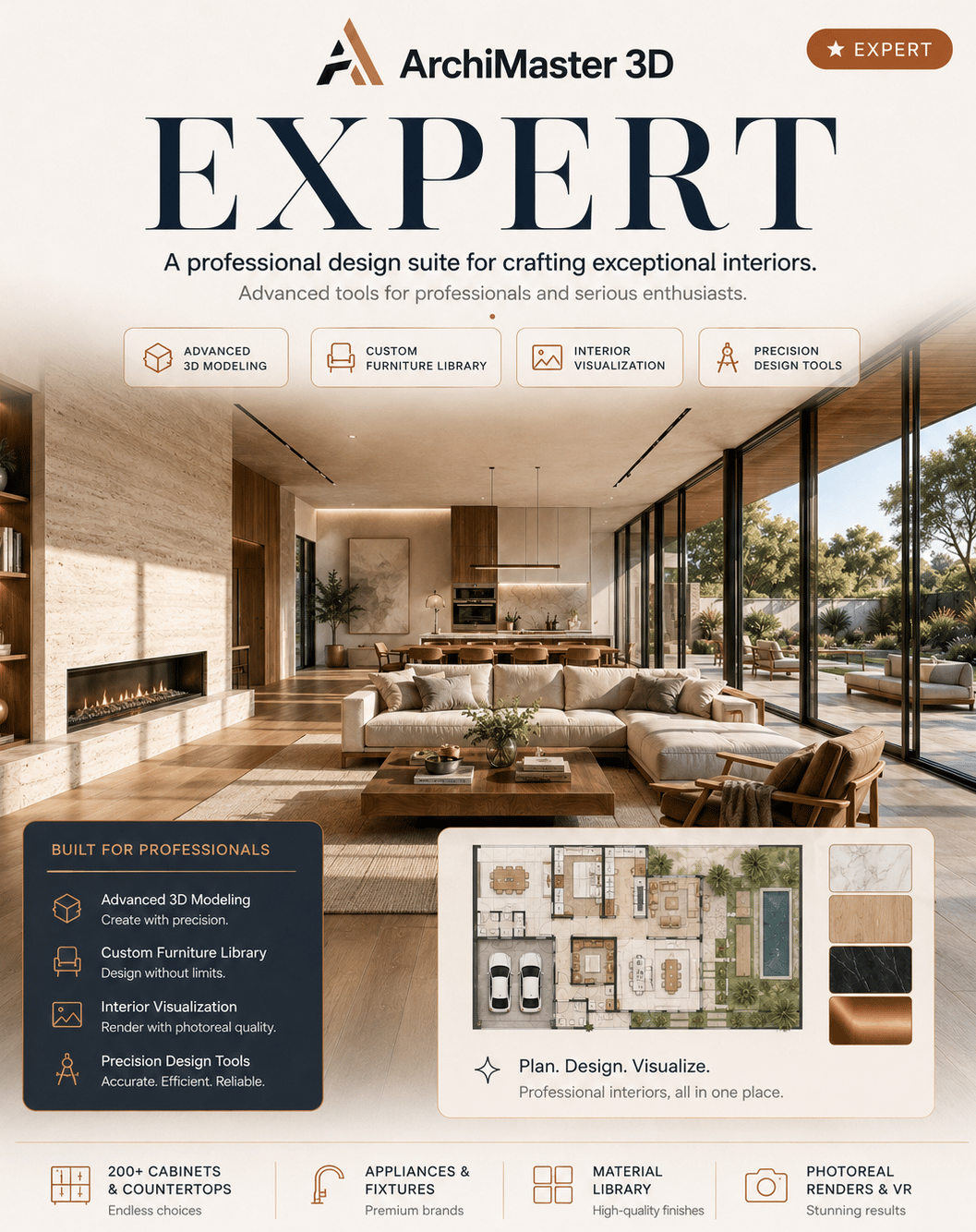
Powerful and user-friendly tools.
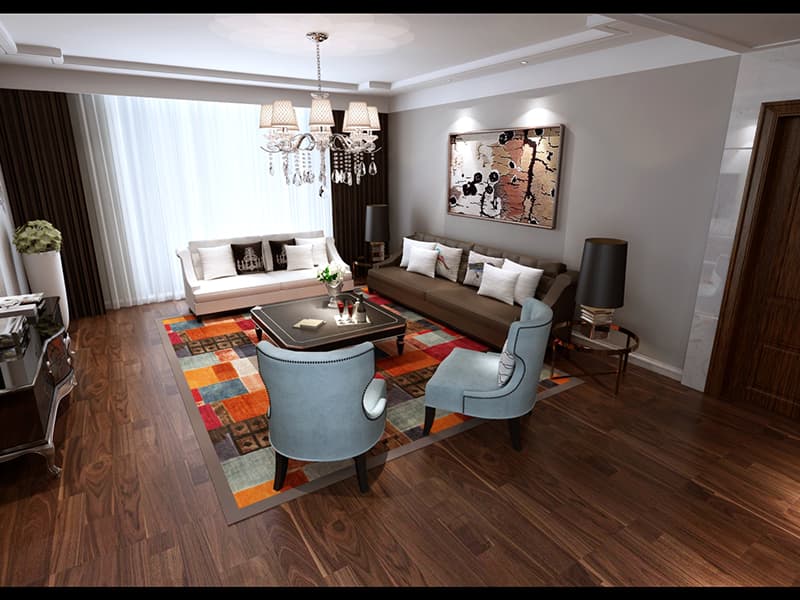 FIG·01
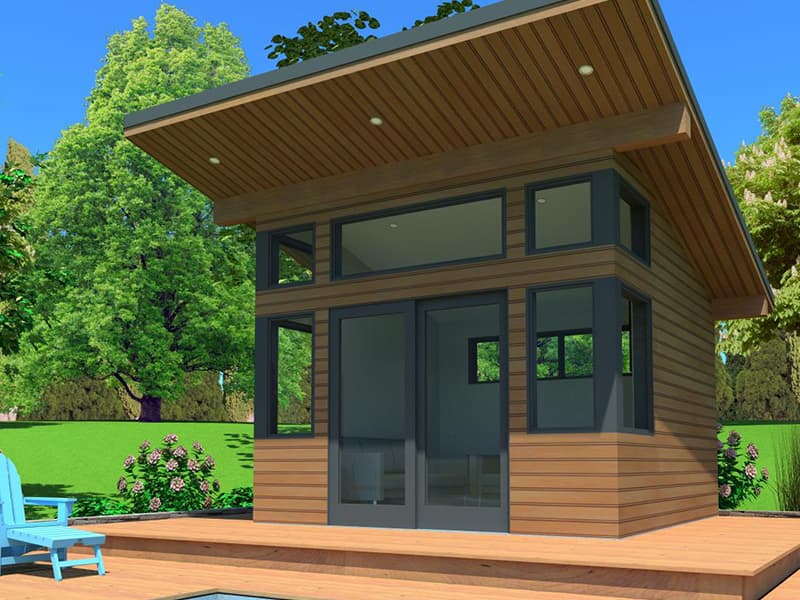 FIG·02
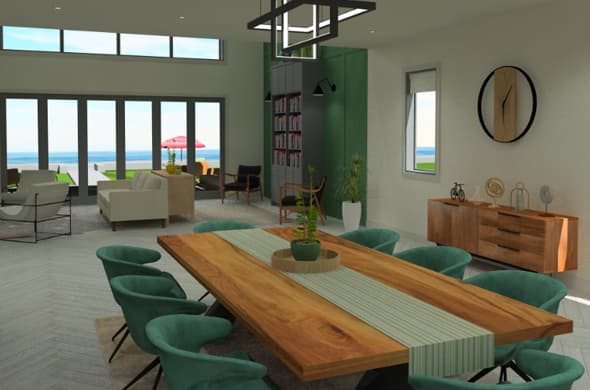 FIG·03
Built for Expert.
Every capability and component included with this edition, one permanent license, no add-ons.
BIM made easy
Create 3D BIM models, detailed working drawings, advanced analysis, and accurate cost estimates from comprehensive material lists.
SmartView technology
Extract elevations, plans, sections, and intricate details directly from your model, with exclusive CAD tools for construction documents.
Photoreal visualization & VR
Design in photorealistic 3D, create virtual walkthrough tours, and view your home at different times of day, with Oculus Rift and HTC Vive support.
- 01Full BIM model creation & working drawings
- 02SmartView elevations, plans & sections
- 03Worksheets, dimension styles & vector printing
- 04OBJ & Trimble SketchUp import
- 05Photoreal rendering & VR walkthroughs
- 06Every tool across all four editions
Who Expert is for, and what it does that free home tools do not.
Home design software that produces working drawings
Expert is the one edition that turns the model into documents. SmartView extracts elevations, plans and sections straight from the 3D model, worksheets lay them out for printing with text, linear, aligned and angular dimensions and custom dimension styles, and vector printing keeps the lines crisp. Window and door schedules come from the same model, so a change on the plan shows up in the schedule.
BIM building objects and real building systems
Walls, roofs, foundations, doors and windows are BIM objects with real dimensions. Roof configuration handles multiple pitches and plate heights; the Foundation Builder Wizard starts the base; electrical, HVAC and plumbing planning are complete in this edition, including wiring, outlets, switches, central air units and ducting. On-screen angular dimensions, mirroring, and cut, copy and paste between projects speed up the drawing.
Everything in the other three editions, plus the documents
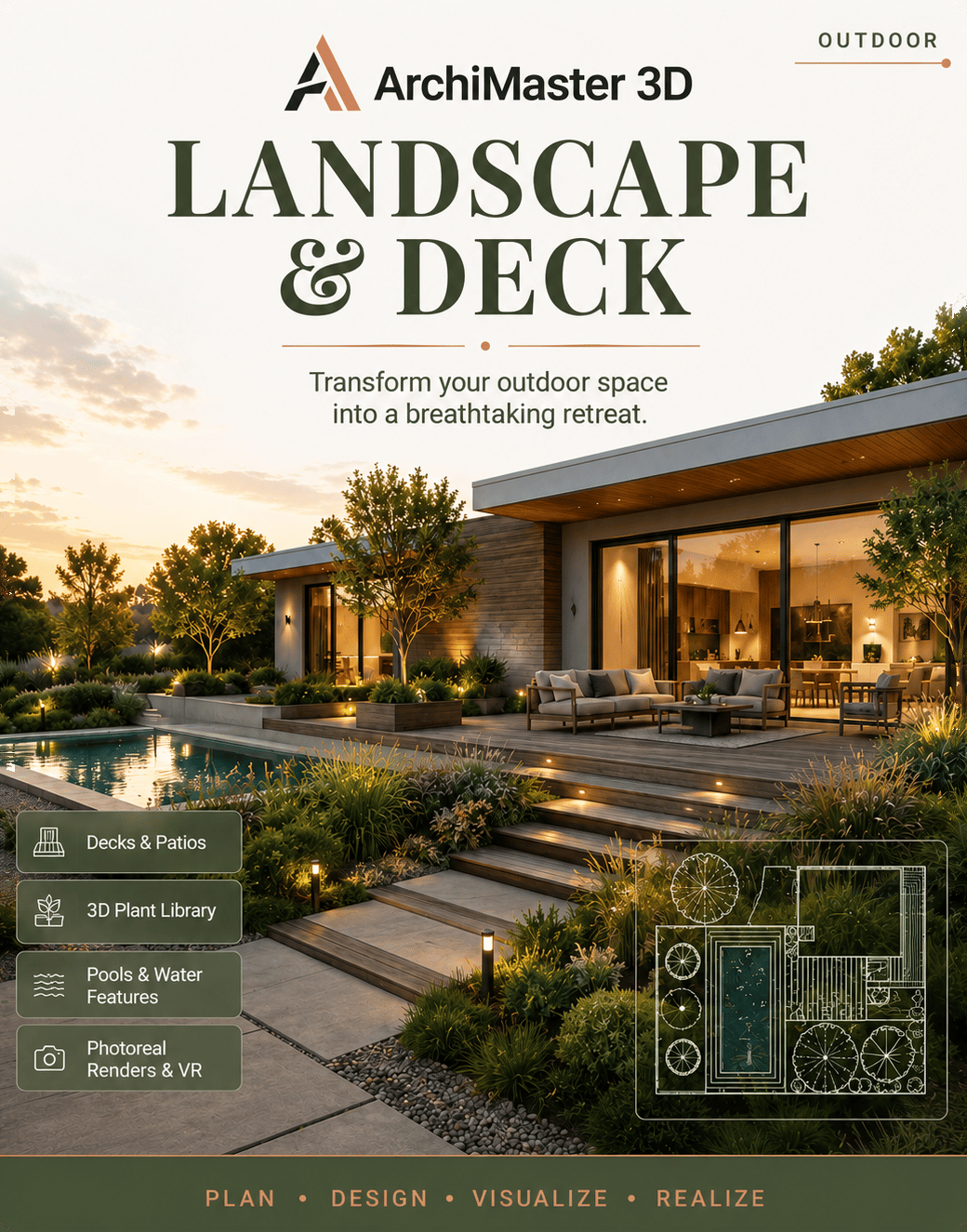
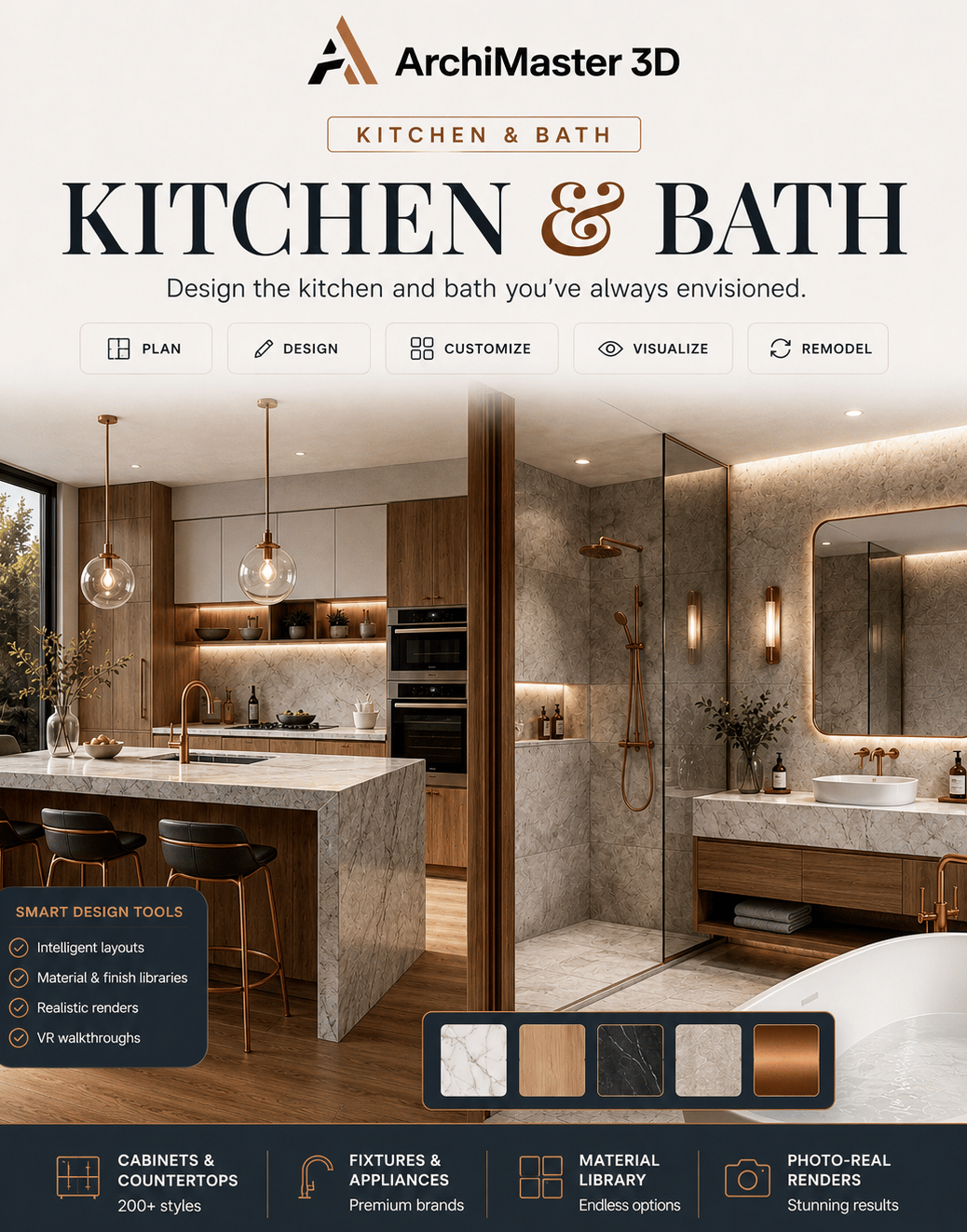
Expert includes the full kitchen and bath libraries (200+ cabinets, countertops, appliances), the landscape tools (terrain, deck and shed wizards, the plant library that ages), photoreal rendering, walkthrough tours, Oculus Rift and HTC Vive support, and OBJ and Trimble SketchUp import for custom objects. A scanned or sketched floor plan can be imported as an image and traced to scale.
Owned outright, on your own Windows PC
Expert is a one-time licence for 64-bit Windows 11, 10, 8 or 7. It works offline and the project file stays on your drive. It is not available for macOS, iPad, Android, Chromebook or in a browser. If you do not need the drawings and schedules, Ultimate Home Design has the same design and rendering tools at a lower price.
- Remodelers, designers and builders who need plans, elevations and sections, not only a picture
- Homeowners preparing a permit package for an extension or a new build
- Anyone who wants BIM-style building objects and schedules without a full architectural CAD suite
- Windows users who want to buy once and own the software
| What you need | Free planners | Expert |
|---|---|---|
| Drawings | Screenshots | Elevations, sections, worksheets, schedules |
| Building systems | None | Electrical, HVAC and plumbing planning |
| Objects | Shapes | BIM walls, roofs, foundations, openings |
| Output | Low-res, watermarked | Vector printing, photoreal renders, VR |
| Ownership | Subscription | One-time licence, offline |
- Best CAD home design software in 2026
- Model a load-bearing wall removal for the engineer
- Material takeoff for a single-story addition
- Chief Architect alternatives, compared
- Cedreo alternatives, compared
- SketchUp alternatives for home design
- AutoCAD LT vs ArchiMaster 3D for a home office addition
- ArchiMaster 3D vs SketchUp for home design
- Can I produce permit drawings with it?
- Expert produces scaled plans, SmartView elevations and sections, worksheets with dimensions and window and door schedules, printed as vector output. Whether a given office accepts them is up to that office and its stamping rules; many homeowner permit packages are plan, elevation and section sheets of exactly this kind.
- Is it BIM software?
- Expert builds BIM models of homes: walls, roofs, foundations, doors and windows are building objects with real dimensions, and the documents come from the model. It is made for residential work, not for large commercial BIM coordination.
- What does Expert add over Ultimate Home Design?
- Working drawings, SmartView elevations and sections, worksheets, dimension styles, vector printing, window and door schedules, and complete electrical, HVAC and plumbing planning. The design, rendering and library tools are the same.
- Can I import a plan from my architect?
- You can import a scanned or sketched floor plan as an image and trace it to scale. For custom 3D objects, Expert imports OBJ and Trimble SketchUp files.
- Does it run on a Mac?
- No. ArchiMaster 3D is desktop software for 64-bit Windows 11, 10, 8 or 7 only.
- What if it is not for me?
- Use the free 10-day trial first. Purchases have a 30-day money-back guarantee.