
Kitchen & bath
ArchiMaster 3DKitchen & Bath
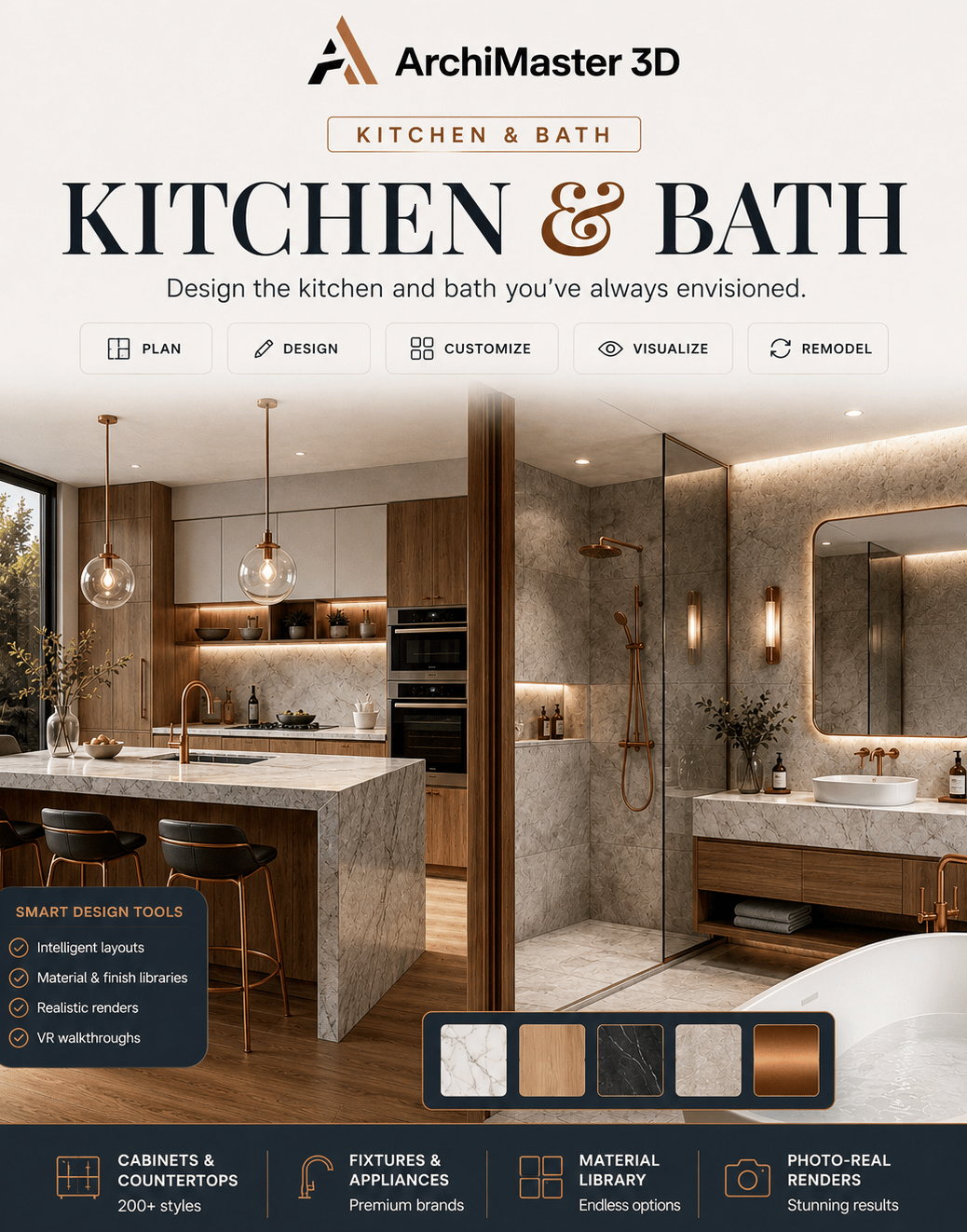
Start 10-day free trialTired of an outdated kitchen or bath and eager for fresh ideas? ArchiMaster 3D Kitchen and Bath is your ultimate companion for a quick makeover or a full remodel, design the stunning, functional spaces you've always envisioned with intuitive yet powerful tools.
Permanent license · pay once, own it forever
Designs that close the remodel.
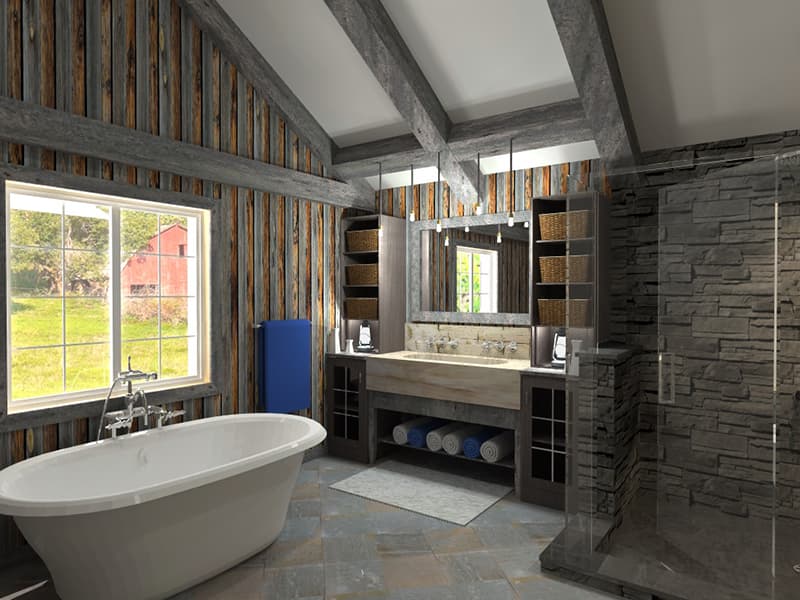 FIG·01
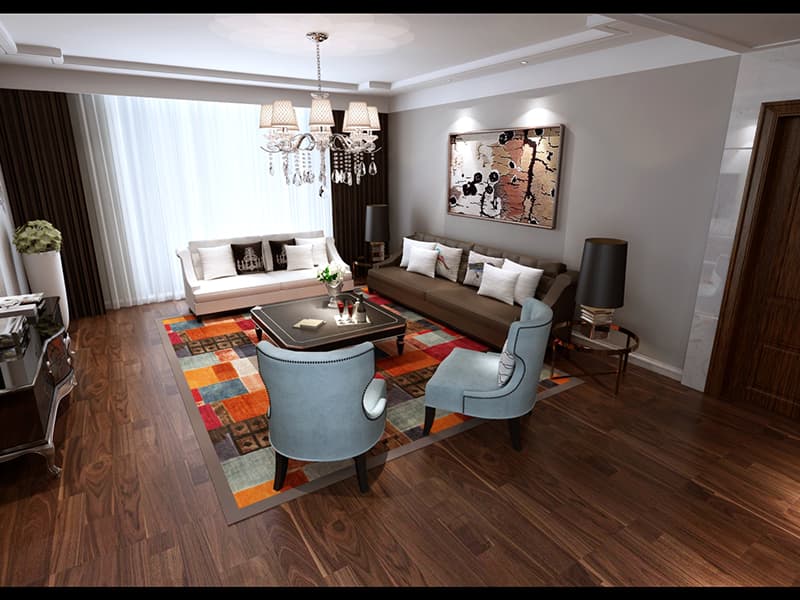 FIG·02
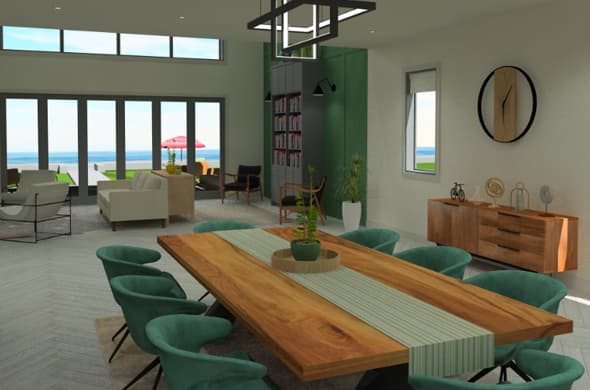 FIG·03
Built for Kitchen & Bath.
Every capability and component included with this edition, one permanent license, no add-ons.
Kitchen & bath wizards
Kitchen and bathroom builder wizards to lay out a room and explore design ideas in minutes.
Cabinets, counters & appliances
Pick from 200+ cabinets, granite and other countertops, and a wide kitchen appliance and bathtub library.
Photoreal renders
Visualise your remodel in photorealistic 3D, swap finishes, fixtures, and lighting and see results instantly.
- 01Kitchen & bathroom builder wizards
- 02200+ cabinets & countertop libraries
- 03Kitchen appliance & bathtub libraries
- 04Plumbing & electrical planning
- 05Materials, lighting & flooring libraries
- 06Photoreal rendering & VR
Who Kitchen & Bath is for, and what it does that free kitchen tools do not.
Kitchen design software built around real cabinets
A kitchen plan is only useful if the cabinets are the right size. ArchiMaster 3D Kitchen & Bath comes with 200+ kitchen and bath cabinets, a kitchen appliance library and countertops in granite, marble and more, all at true scale. Toe-space options handle floating cabinets. The Kitchen Builder Wizard lays out the room from your measurements, so you can test an island against a peninsula, or an L-shape against a U-shape, and measure the walkway between them before anything is built.
Bathroom design software for the awkward small room
Bathrooms are where half an inch matters. The Bathroom Builder Wizard starts the layout, and dozens of bathtub options, fixtures and vanities go in at real dimensions, so a 5x8 bathroom either fits the tub, the toilet and the door swing or it does not, and you find out on screen. Plumbing and electrical planning help you see where the fixtures and outlets will go.
See the finishes before you pay for them
Swap a cabinet colour, a countertop, a backsplash or the flooring and render the room photorealistically on your own PC. The materials library covers brand-name and generic finishes, the flooring library hardwood, slate and ceramic, and there are hundreds of lighting fixtures to light the room the way it will really be lit. Walkthrough tours and VR support (Oculus Rift and HTC Vive) let you stand in the kitchen; the free HomeVR app shows it on a phone.
One purchase, your files, no subscription
Kitchen & Bath is a one-time licence for 64-bit Windows 11, 10, 8 or 7. It works offline and the project file stays on your drive. It is not available for macOS, iPad, Android or Chromebook, and there is no browser version. It shares its engine with the other editions, so a project opens in Ultimate Home Design if you later take on the whole house.
- Homeowners planning a kitchen or bathroom remodel who want to see it before the cabinets are ordered
- Anyone comparing layouts: island or peninsula, L-shape or U-shape, tub or walk-in shower
- Kitchen and bath designers who need a photoreal picture for a client meeting
- Windows users who want to buy once instead of subscribing to a planner
| What you need | Free planners | Kitchen & Bath |
|---|---|---|
| Cabinets | Generic boxes | 200+ cabinets at true size |
| Layout | Drag and hope | Kitchen and bathroom wizards |
| Finishes | Limited swatches | Brand-name materials, countertops, flooring |
| Output | Watermarked image | Photoreal renders, walkthroughs, VR |
| Ownership | Account and subscription for exports | One-time licence, offline |
- Free kitchen cabinet design software: what works
- How to design a kitchen in 3D, step by step
- Kitchen island size and clearance guide
- 5x8 bathroom layouts tested in 3D
- Best bathroom design software in 2026
- Plan a kitchen remodel in 3D
- Planner 5D alternatives, compared
- RoomSketcher alternatives, compared
- Home Designer Suite alternatives, compared
- Is there free kitchen cabinet design software?
- Retailer planners and free web apps let you place generic cabinets, and that is enough for a first idea. Their exports and higher-resolution views usually sit behind a subscription, and the cabinets are not sized like real ones. ArchiMaster 3D Kitchen & Bath has a free 10-day trial with the full 200+ cabinet library; after that it is a one-time purchase.
- Can I design a bathroom with it?
- Yes. The Bathroom Builder Wizard, dozens of bathtubs, fixtures at real dimensions and plumbing planning are all in this edition. It is the right tool for a small bathroom where the door swing and the tub compete for the same inches.
- Can I see cabinet colours and countertops before I buy them?
- Yes. Change the cabinet finish, countertop material, backsplash or flooring and render the room photorealistically. You can compare two finishes side by side from the same model.
- Does it do the rest of the house?
- This edition is for kitchens and bathrooms. For whole-home interiors, exteriors and landscaping, see Ultimate Home Design; it uses the same engine and includes everything in Kitchen & Bath.
- Does it run on a Mac or in a browser?
- No. ArchiMaster 3D is desktop software for 64-bit Windows 11, 10, 8 or 7 only. There is no browser or mobile version.
- What if it is not for me?
- Try the free 10-day trial first. Purchases come with a 30-day money-back guarantee.