
Floor plan software that draws to scale and shows you the room in 3D
ArchiMaster 3D draws walls, doors and windows at their real sizes, builds the 3D model from the same plan, and renders it. Trace your own measurements or a scanned plan, add floors and a roof, furnish at true scale. Windows desktop software, bought once, with a free 10-day trial.
If you want the steps before the software, read how to make a floor plan. For the whole-house picture, from plan to render, see 3D home design software.
Measure the rooms
Length and width of each room, ceiling height, and everything that will not move: windows, door swings, the stair, the plumbing wall.
Draw the walls at those sizes
Type the measured lengths and the walls go in to scale, with a real thickness. Interior and exterior walls are different objects, so the plan reads right from the start.
Place doors and windows
Pick real sizes from the library and drop them into the walls. The plan shows the swing and the 3D model shows the light.
Add the next floor and the roof
Stack a storey, place the stair, and set the roof pitch. Headroom under a sloped ceiling is the thing most paper plans get wrong.
Furnish it at true scale
Furniture, cabinets and fixtures from the library at their real dimensions, so a 42-inch walkway is a 42-inch walkway.
Read the dimensions, render the view
Dimensioned plans for the people who read plans, a photoreal render for the people who do not. Expert adds elevations, sections and schedules.
Free browser planners are the right start for a first layout. This is where they stop, so you can tell whether you have reached that point.
| What you need | Free online planner | ArchiMaster 3D |
|---|---|---|
| Walls at a real thickness | Lines, sometimes rounded | Yes, interior and exterior |
| Doors and windows at real sizes | Generic | Library of real sizes |
| Trace a scanned or sketched plan | Rarely | Yes, as an image underlay |
| Second floor, stairs, roof pitch | Limited | Yes |
| 3D model from the same plan | Basic view | Yes, with photoreal rendering |
| Elevations, sections, schedules | No | Expert edition |
| Works offline, file is yours | No, on their server | Yes, on your PC |
| Cost | Free, exports often paid | One-time licence, free 10-day trial |
Every edition draws scaled floor plans and builds the 3D model from them. Pick by what else you need.
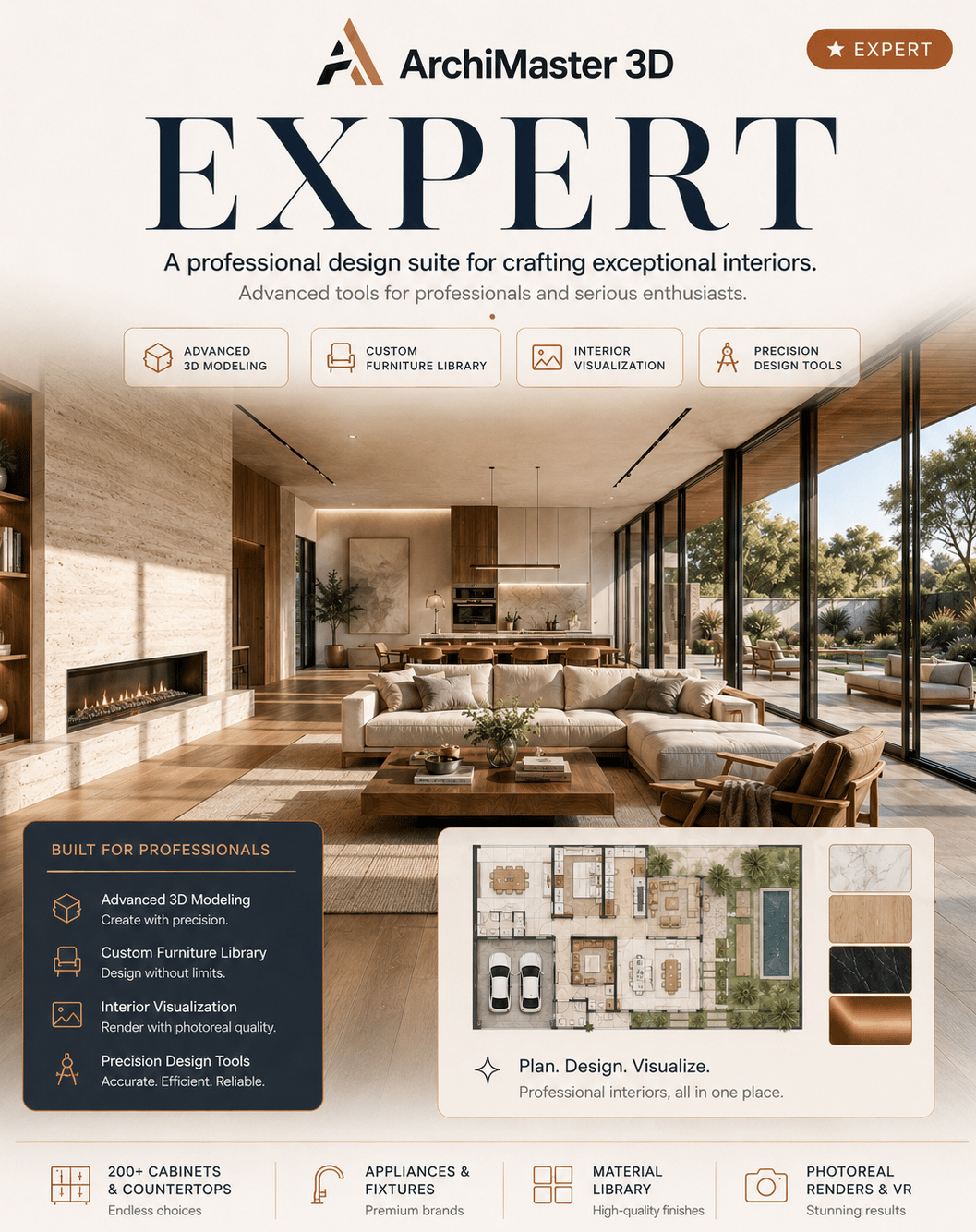
Expert
The ultimate solution for effortless home renovation and design. Revamp a single room or redesign your whole home with stunning 3D precision.
Explore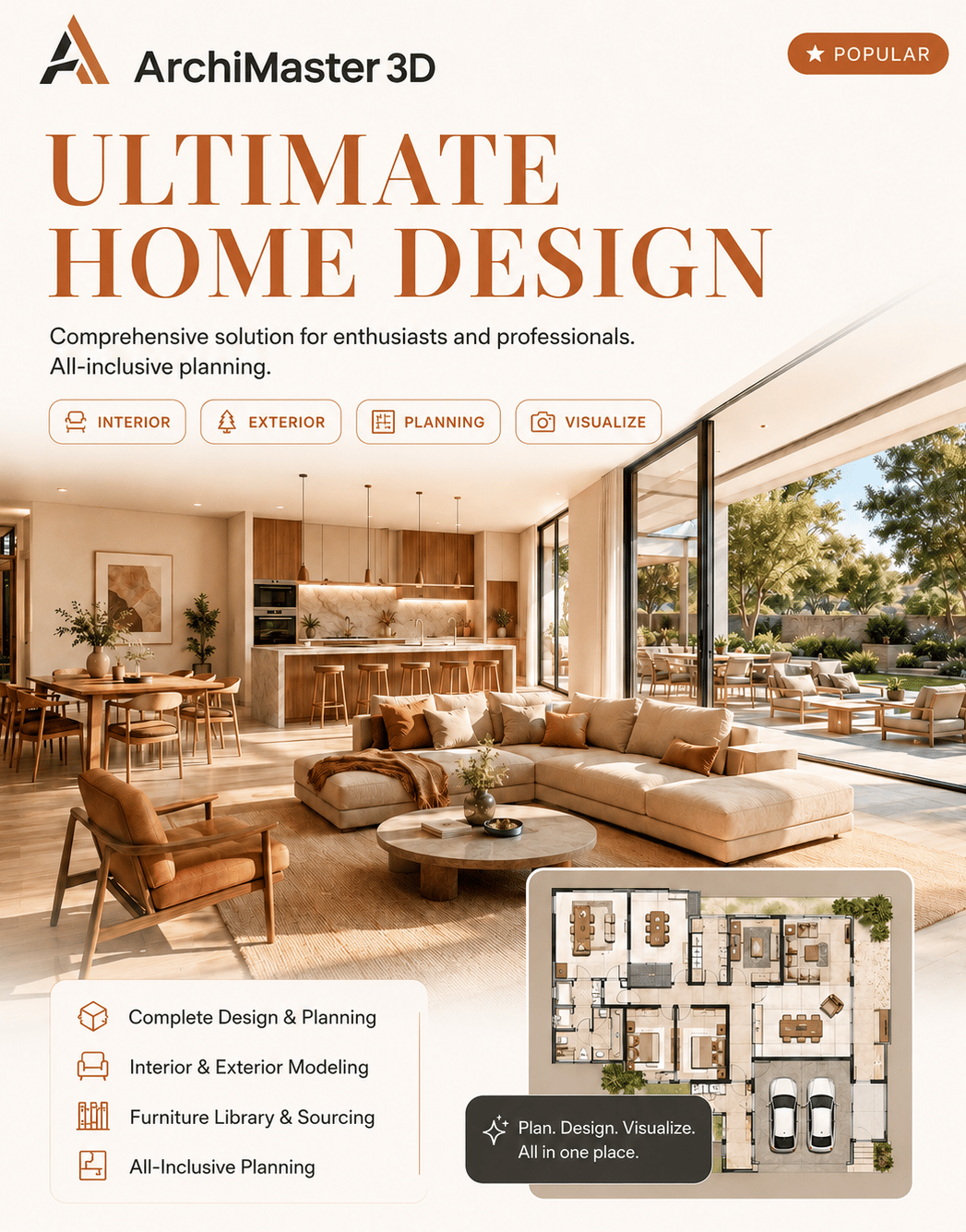
Ultimate Home Design
Creative tools and inspiration to revamp your living environment. Design your dream home from the ground up, no design expertise required.
Explore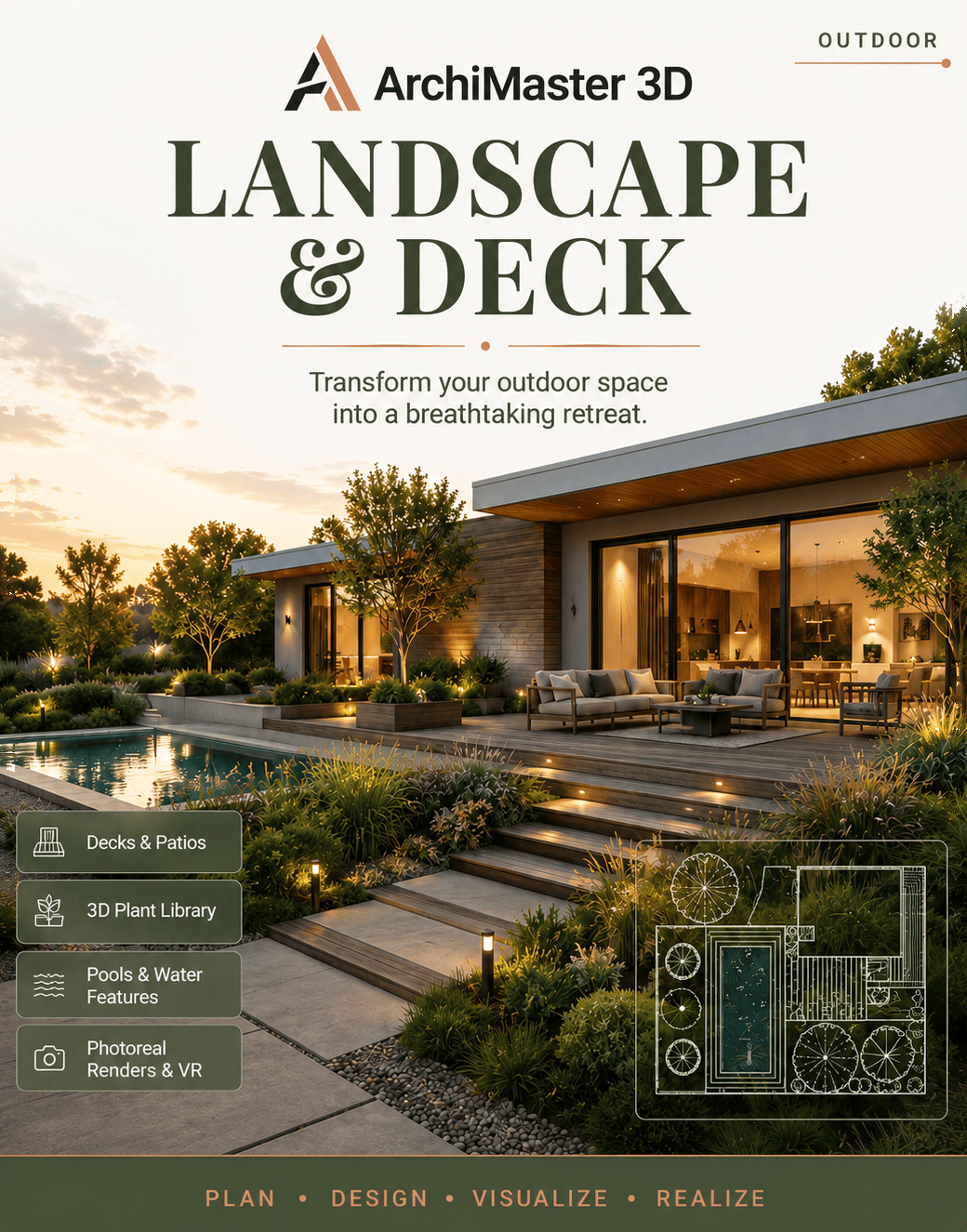
Landscape & Deck
Turn your outdoor space into a retreat, with endless possibilities for gardens, decks and outdoor rooms that inspire and delight.
Explore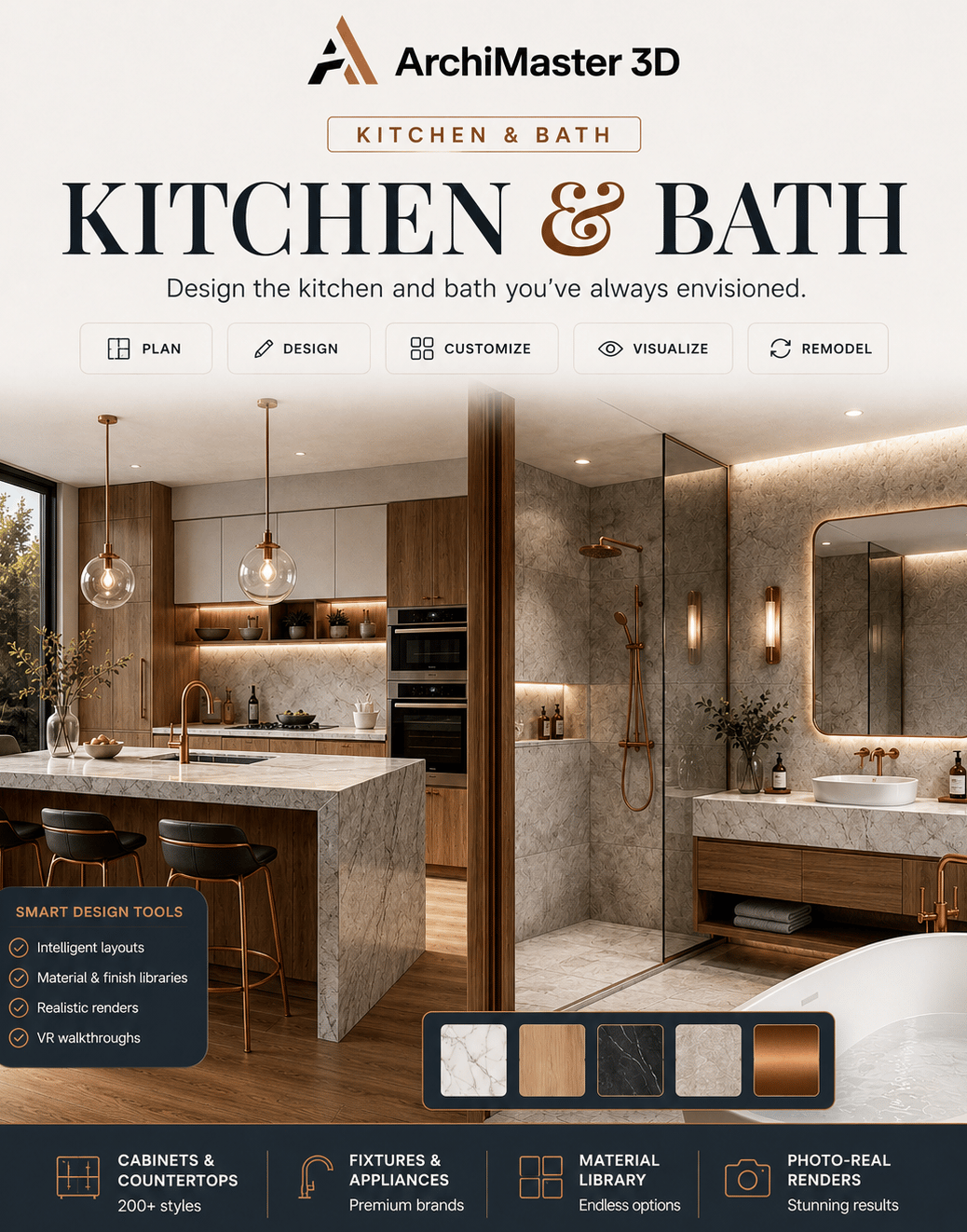
Kitchen & Bath
Design the stunning, functional kitchen and bath you've always envisioned, from a quick makeover to a full remodel.
Explore- What is floor plan software?
- Software that draws a room or a whole house to scale: walls with a real thickness, doors and windows of real sizes, and dimensions you can read off the plan. The good ones build a 3D model from the same plan, so you can see the space, not only the lines.
- Is there free floor plan software?
- Yes. Free browser planners such as Planner 5D, Homestyler and Floorplanner draw a quick layout, and Sweet Home 3D is a free desktop program. They are enough for a first idea. They stop at exact dimensions, roofs and storeys, custom cabinets and rendering you would show a contractor. ArchiMaster 3D is paid, bought once, with a free 10-day trial of the full program.
- Can I draw a house layout from my own measurements?
- Yes. You enter the measured lengths and the walls go in at those sizes. A scanned or sketched plan can be placed as an image and traced over, so an old paper plan becomes a scaled model.
- Does it make 3D views from the floor plan?
- Yes. The floor plan and the 3D model are one thing: every wall, door, window and piece of furniture placed on the plan appears in 3D at true scale, and you can render photoreal views and walk through the space.
- Can I get drawings a builder can use?
- With ArchiMaster 3D Expert, yes: working drawings with elevations and sections, window and door schedules, dimension styles and vector printing. The other editions give you the dimensioned floor plan and the 3D model.
- Does it run on a Mac or in a browser?
- No. ArchiMaster 3D is desktop software for 64-bit Windows 11, 10, 8 or 7. It works offline and the project file stays on your own drive.
- What does it cost?
- Each edition is a one-time licence, no subscription, with a 30-day money-back guarantee. Prices are on the pricing page. Every edition has a free 10-day trial.
Draw your plan to scale tonight.
Download the free 10-day trial of ArchiMaster 3D and trace your own measurements into a plan you can see in 3D.